
You’ve probably done this before. You finish a solid day of client work, open your tracker at 6:30 p.m., and realize half your hours lived in browser tabs, documents, Slack threads, and “quick” edits you never started a timer for. Then you patch together a timesheet from memory and hope it’s close enough to invoice.
That’s why the best time tracker for freelancers isn’t just the one with the prettiest timer. It’s the one that cuts admin, catches work you’d otherwise miss, and turns messy days into billable records without making you babysit another app. The market has moved in that direction. By 2026, tools like Toggl Track, Clockify, RescueTime, and Harvest all offered automatic or semi-automatic tracking, reporting, and activity capture, reflecting a broader shift away from simple stopwatch logging toward workflow-aware systems, as outlined in Wave’s roundup of the best time tracking tools for freelancers.
That shift matters because freelancing is already large enough for small efficiency gains to matter. The World Bank estimated the gig economy covers roughly 12% of the global labor force, and time tracking vendors have increasingly built around the freelancer reality of juggling multiple clients, projects, and billing models, as summarized in Clockify’s freelance time tracking overview.
If you’re also cleaning up contractor admin, this guide to timesheet management for contractors is worth bookmarking.
Not sure what to charge in the first place? The free freelance rate calculator works out the hourly rate you need from your income goal, expenses, and realistic billable hours.
1. Chronoid
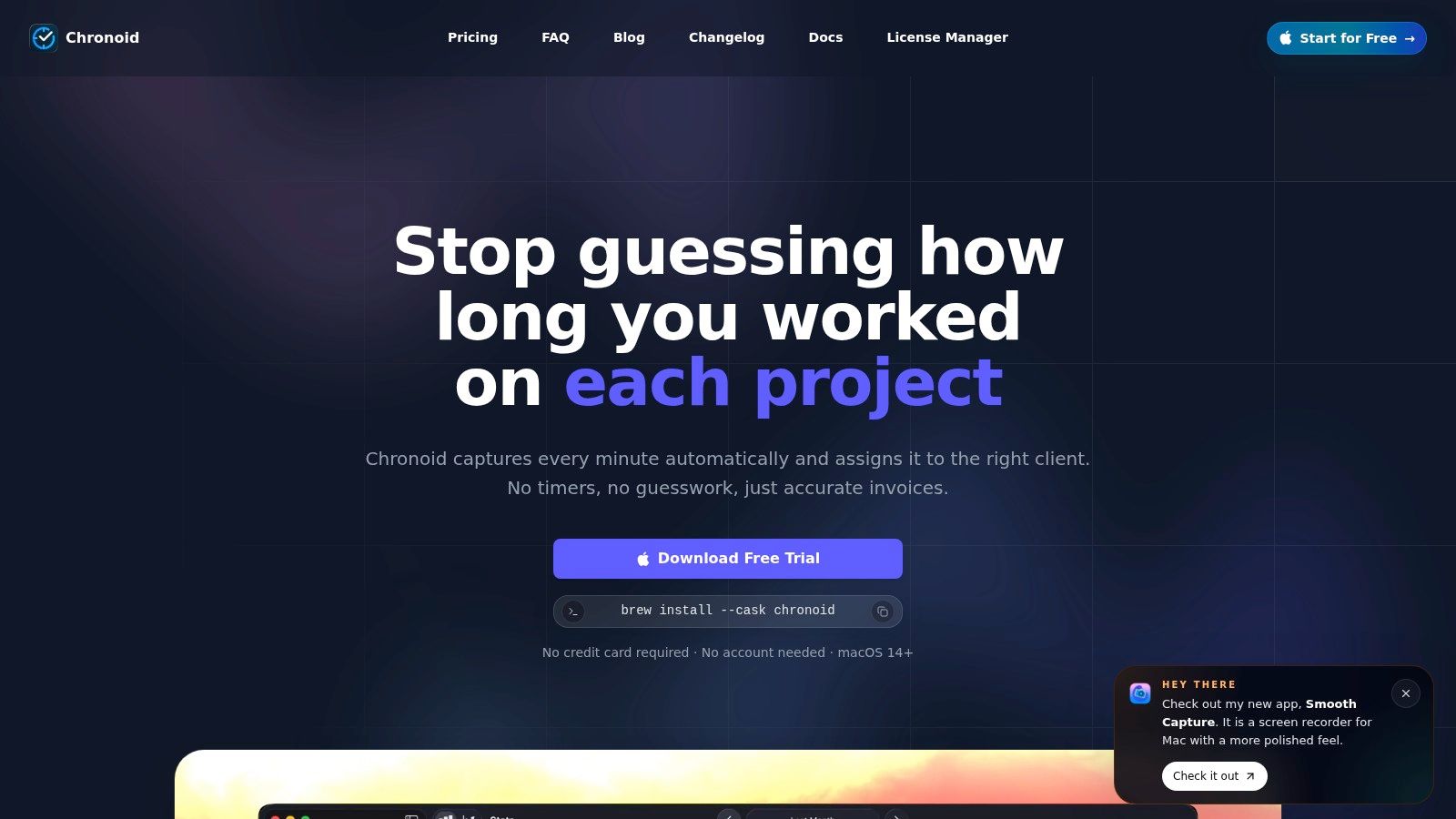
You finish a long client day, open your timesheet, and realize the actual work happened across ten browser tabs, two docs, Slack, Figma, and a terminal window. That is the problem Chronoid is built to solve. It records apps, websites, and documents automatically, so billable time does not depend on remembering to click start before every task.
What makes it different from older timer-first apps is the focus on admin reduction after the tracking happens. Freelancers rarely need more raw activity data. They need to answer billing questions fast. What did I do for Client X? Which tasks took longer than expected? Where did unpaid context switching eat the afternoon? Chronoid’s on-device AI categorization and local chat interface are aimed at those day-end and week-end review moments.
For a solo freelancer, that matters more than another stopwatch.
Why Chronoid works for Mac freelancers
Chronoid is a native macOS app with support for Intel and Apple Silicon on macOS 14+. In practice, that usually means lower friction in the background than a cross-platform tool that feels bolted onto the Mac. If your whole workday lives on one machine, native design is not a cosmetic detail. It affects whether you trust the app enough to leave it running all day.
Its privacy model is also better aligned with client work than surveillance-heavy trackers. Data stays local by default, with optional cloud providers if you want them. For freelancers working with contracts, draft copy, design files, code, or research, local-first storage is a practical feature. It reduces the discomfort that comes with sending detailed work history to a third-party server by default.
Chronoid also combines tracking with focus tools. Website blocking, scheduled focus sessions, and a Pomodoro timer are built in, which cuts down on the usual stack of separate apps. That will appeal to freelancers who want one system for capturing work and protecting it.
If your billing process still depends on memory, this guide on how to track billable hours accurately as a freelancer is a useful companion read.
There are real limits. Chronoid is Mac-only, so it is a poor fit if you switch between macOS, Windows, and mobile during the week and want one record across every device. The lifetime license model is also more naturally suited to solo freelancers than to larger teams with changing hardware and shared processes.
Still, for freelancers who work primarily on a Mac, want automatic capture instead of manual timers, and care about privacy, Chronoid reflects where time tracking is going. Less timer babysitting. Less timesheet reconstruction. More usable records overall.
2. Toggl Track
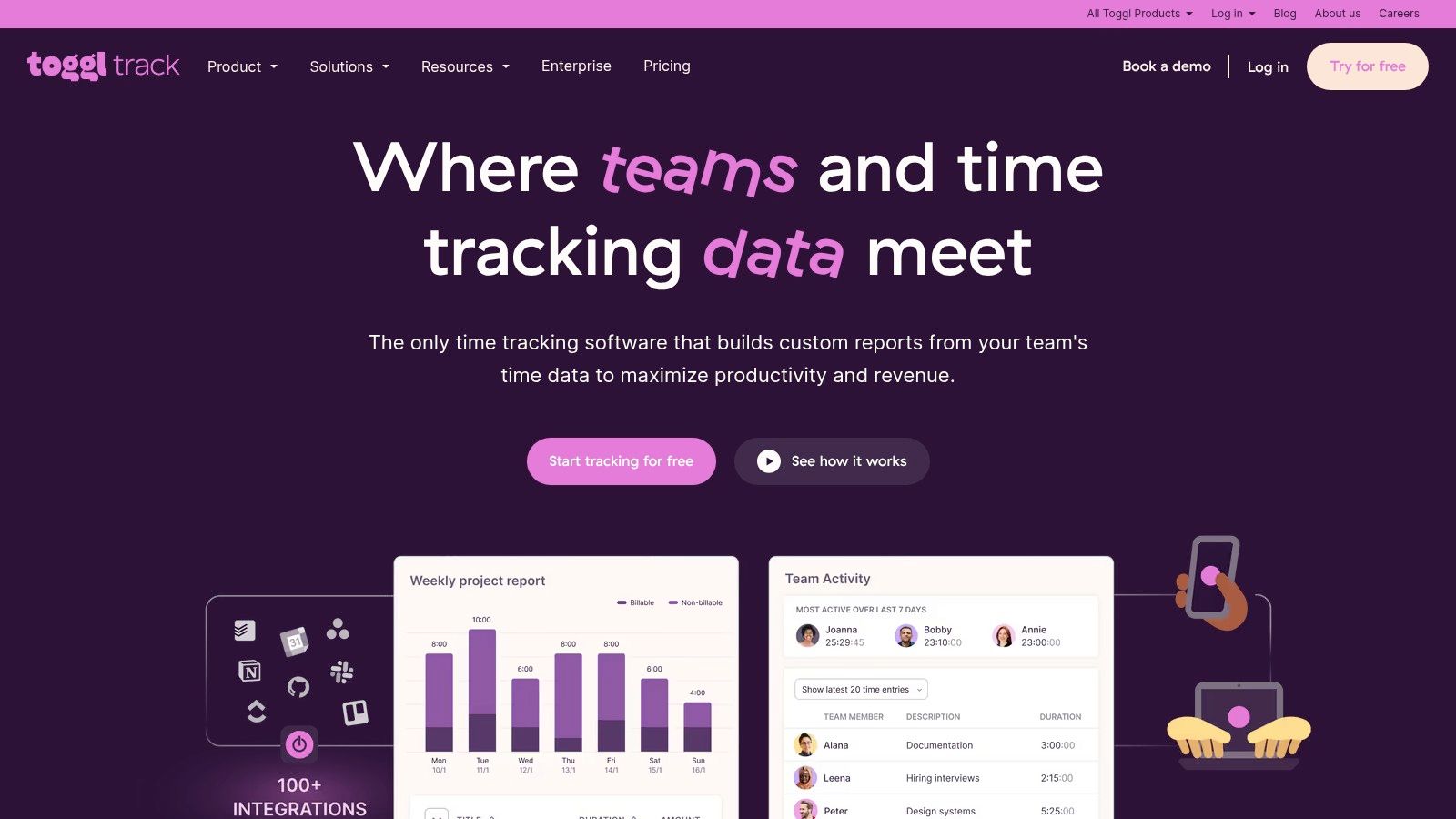
Toggl Track is still one of the easiest recommendations when someone wants a reliable, low-friction time tracker and isn’t ready to go fully automatic. It has the cleanest timer-first experience in this list. You click once, track the work, tag it, and move on.
That simplicity is why so many freelancers start there and stay there for years. Reporting is strong, billable rates are practical, and it scales better than many “solo-friendly” tools once your freelance practice becomes a small agency or a multi-contractor setup.
Where Toggl Track fits best
Toggl Track works best for freelancers who like intentional tracking. If you prefer consciously deciding, “I am now working on this client task,” a manual timer still has value. It creates a clean billing trail and forces project boundaries that some people find helpful.
Wave’s roundup specifically describes Toggl Track as offering automatic time tracking and reporting, which shows how even timer-first tools have adapted to lower-friction workflows in recent years. But in practice, Toggl still feels most natural when you treat the timer as the center of the workflow.
Here’s the important trade-off. A survey cited by Rize found that 41% of 1,036 remote workers and freelancers reported using a dedicated time-tracking app, and more than 60% of those users still relied on manual start and stop timers rather than fully automatic background tracking, according to Rize’s automatic time tracking analysis for freelancers. That tells you why Toggl remains popular, but it also shows the limitation. Manual tracking still dominates even though it leaves room for missed entries.
- Best for disciplined trackers: If you already have the habit, Toggl won’t fight you.
- Best for cross-device work: Web, desktop, mobile, and browser support make it flexible.
- Less ideal for fragmented days: If your day is full of context switching, the timer becomes one more thing to manage.
If your biggest headache is translating tracked time into invoice-ready work logs, this guide on how to track billable hours is a useful companion. You can explore the app on the Toggl Track website.
3. Harvest
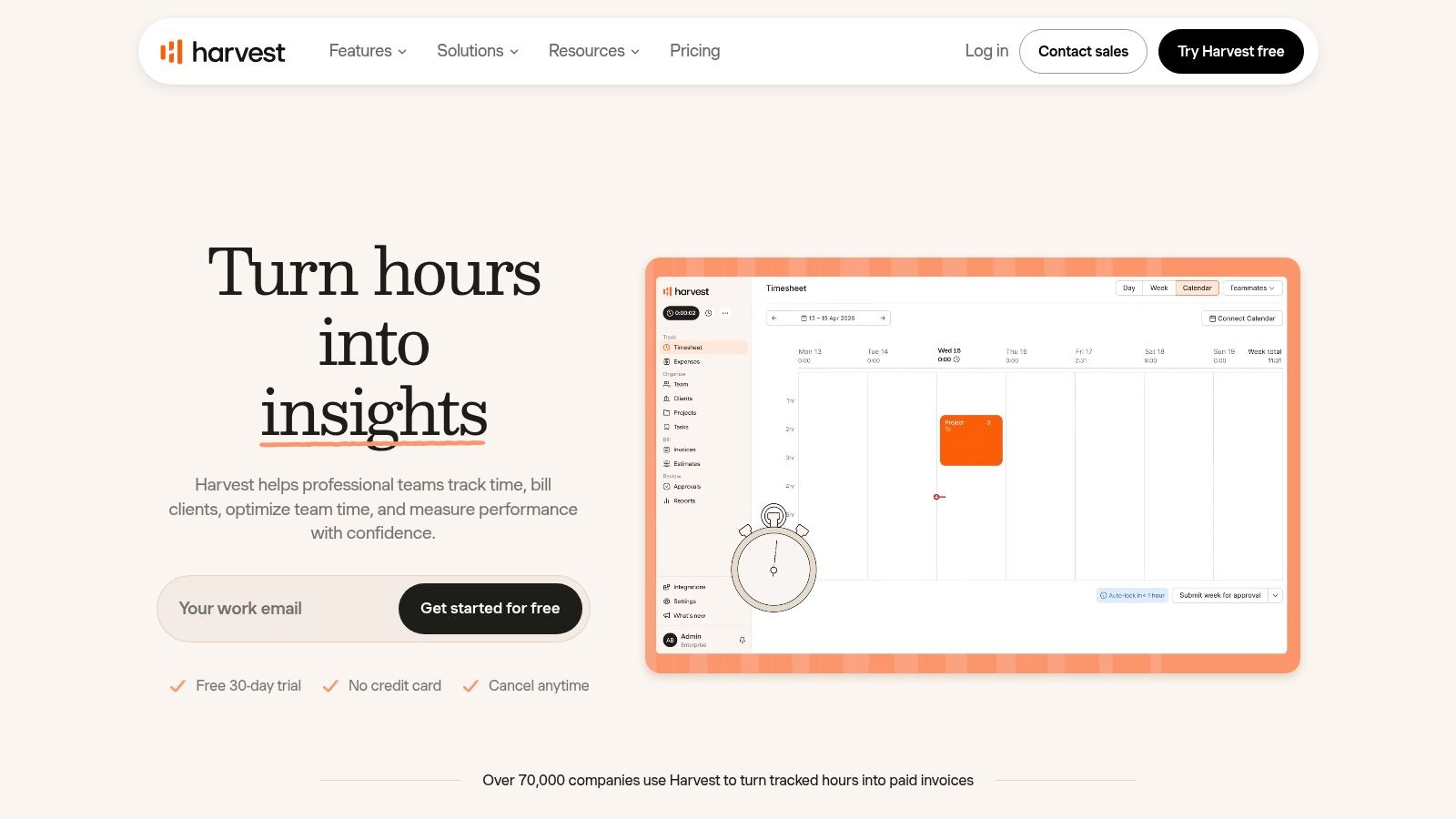
Harvest is the tool I’d choose when billing is the center of the problem, not just time capture. Some freelancers don’t need deep behavioral analytics. They need time, expenses, invoices, payments, and profitability in one place with as little friction as possible between “work completed” and “invoice sent.”
That’s where Harvest stays strong. It’s built around the workflow most service freelancers care about. Track the hours, attach them to the right client and project, review budgets, then turn that work into invoices and payment collection.
The billing-first option
Wave’s roundup describes Harvest as part of a category where tracking is now tightly linked to invoicing, project organization, and productivity analytics. That’s the right way to think about Harvest. It’s not trying to be the most advanced passive tracker on the market. It’s trying to keep your operational loop tight and clean.
If you run a freelance business where every project eventually needs an invoice, budget check, and payment status review, Harvest feels more complete than many timer-only apps. It’s especially useful for consultants, designers, and developers who want one system to connect tracked hours with actual revenue collection.
Harvest makes the most sense when your question isn’t “Where did my time go?” but “Can I get from time to invoice without touching three tools?”
The downside is just as clear. If you frequently forget timers, Harvest doesn’t solve that problem as elegantly as a background-first tracker. It’s better at turning tracked time into business output than at automatically recovering every scattered minute.
Still, freelancers who care about project budgets and polished invoicing often find the trade-off worth it. If your workflow includes both time tracking and a wider stack of solo-business tools, this roundup of productivity tools for freelancers can help you decide what to combine with Harvest. The product itself is on the Harvest website.
4. Clockify
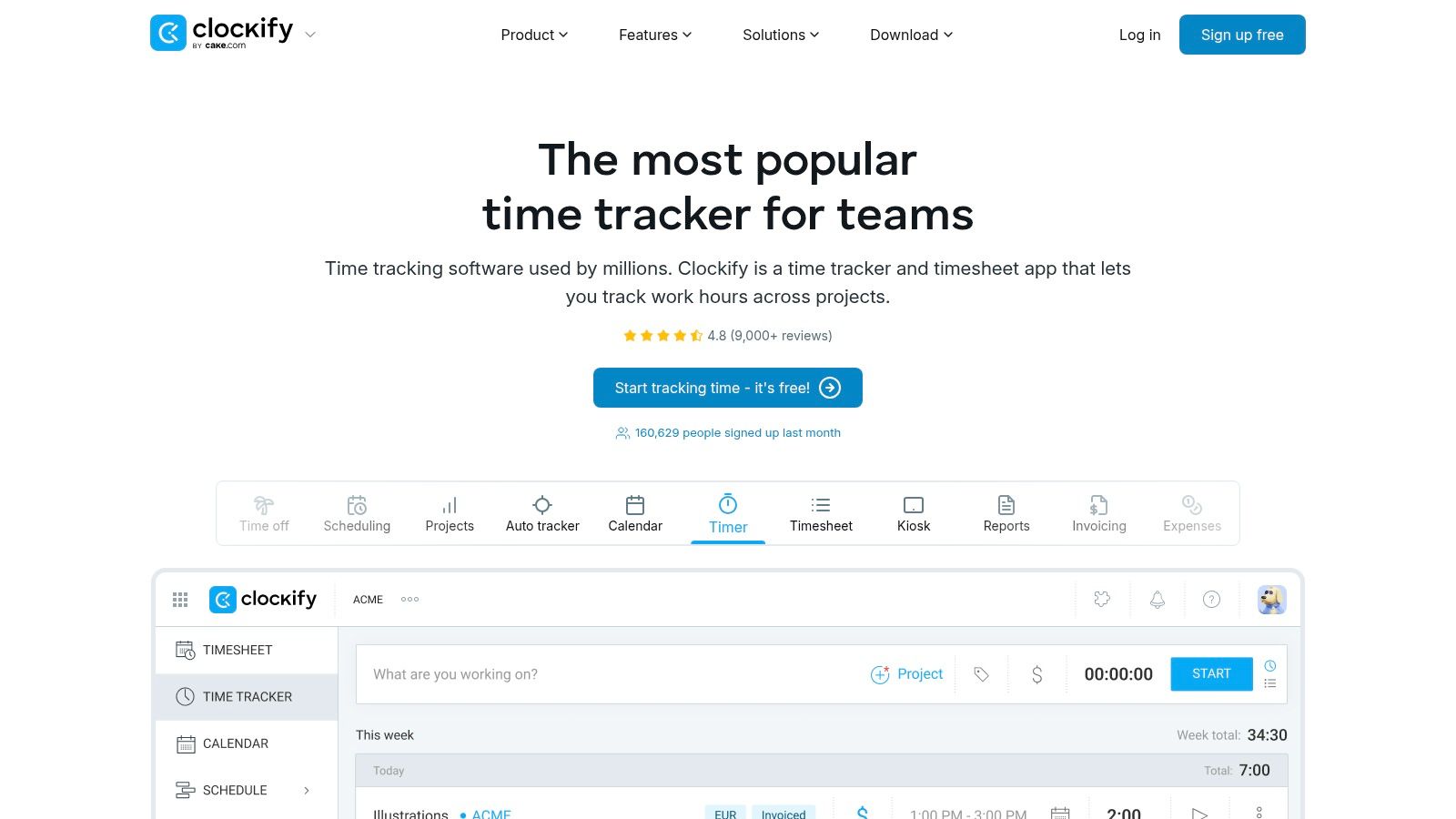
Clockify is the obvious recommendation when budget matters first. Its free tier is generous enough that many freelancers can get real value before paying for anything, and that alone keeps it in almost every serious conversation about the best time tracker for freelancers.
The appeal is simple. You can track unlimited work, organize projects, use timesheets, and only move into paid features when invoicing, approvals, or more advanced workflows become necessary. If you’re new to freelance time tracking and don’t yet know what kind of system you’ll stick with, Clockify is a safe starting point.
What Clockify gets right
Clockify is practical. It doesn’t try to charm you into a new philosophy of work. It gives you a lot of utility, broad platform support, and room to grow. Wave’s roundup notes that Clockify tracks billable hours and also allows manual entry if timers are missed, which is exactly why so many freelancers adopt it. It forgives imperfect habits better than strict timer-only tools.
That said, Clockify can start to feel crowded as you access more features. It’s powerful, but the interface carries the weight of serving solo users, teams, managers, and operational workflows at once.
- Best for starting free: You can build a workable system without paying right away.
- Best for flexible logging: Timers and manual timesheets work side by side.
- Less ideal for minimalists: The product surface gets busy as needs expand.
Clockify is strong when you want coverage and affordability. It’s weaker when you want the software to disappear and capture your work in the background. You can check it out on the Clockify website.
5. Timely
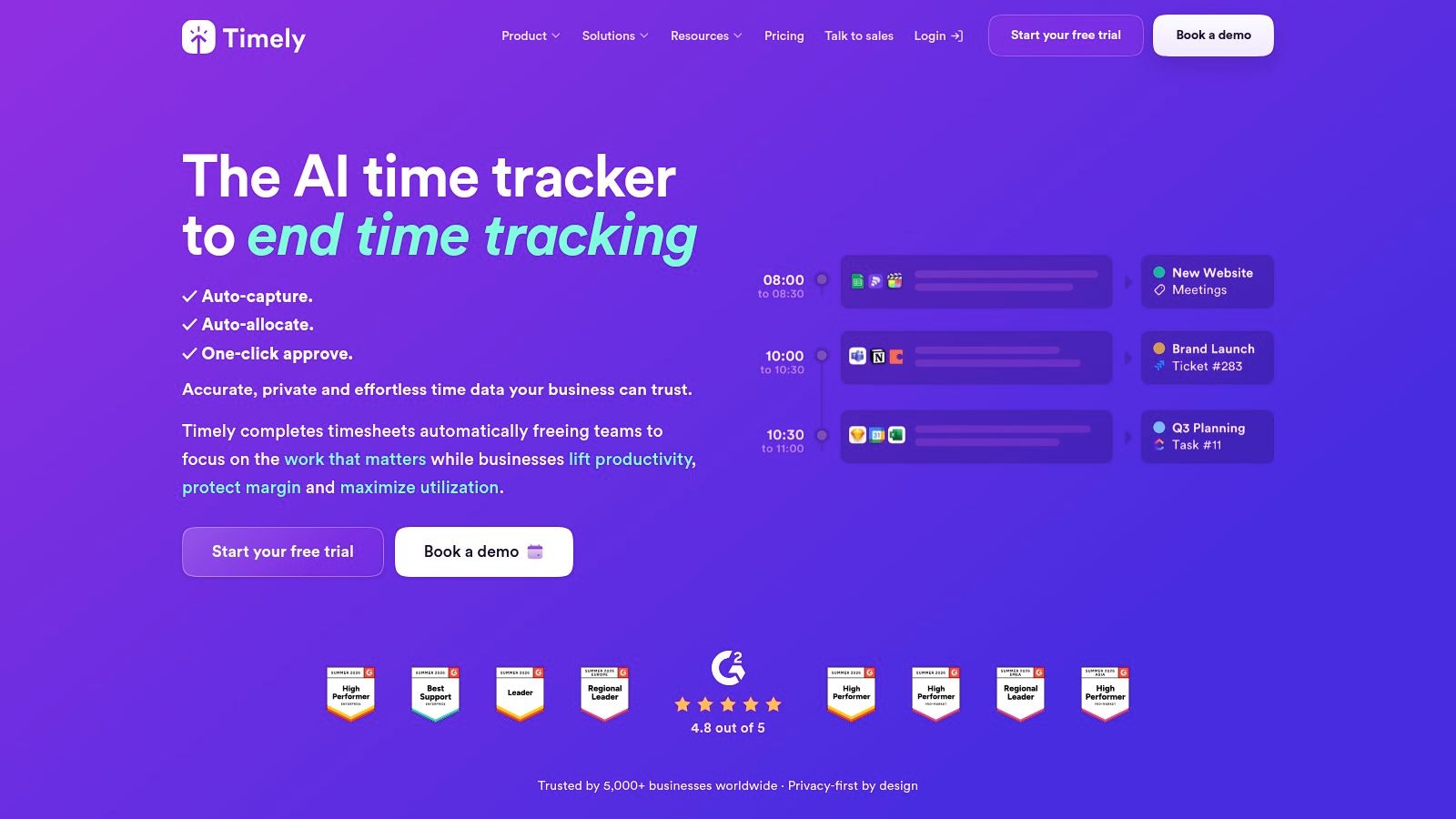
Timely sits in the middle ground between classic time tracking and modern automatic capture. If you dislike manual timers but still want structured, polished timesheets, Timely is one of the more mature options.
Its Memory tracker records app and website activity in the background, then helps you turn that into timesheet entries. That approach works well for freelancers who want automation, but still want a review layer before time gets assigned to clients and projects.
Best for review-driven automation
This is an important distinction. Not every freelancer wants fully hands-off tracking. Some people want the app to capture everything, then let them confirm what should count as billable. Timely is good for that style because it preserves oversight without making you start and stop timers all day.
It’s also useful for small agencies and consultants who need budgets, rates, capacity views, and invoicing in the same environment. The product feels more operational than minimalist, which can be a strength if your freelance work has grown beyond a simple solo practice.
The downside is cost and complexity. If all you need is basic logs and simple reports, Timely can feel heavier than necessary. It makes more sense when reducing admin is important, but so is keeping a structured review process around billing.
Some freelancers don’t want less data. They want less manual effort and better review before invoicing. Timely fits that middle ground.
You can learn more on the Timely website.
6. RescueTime
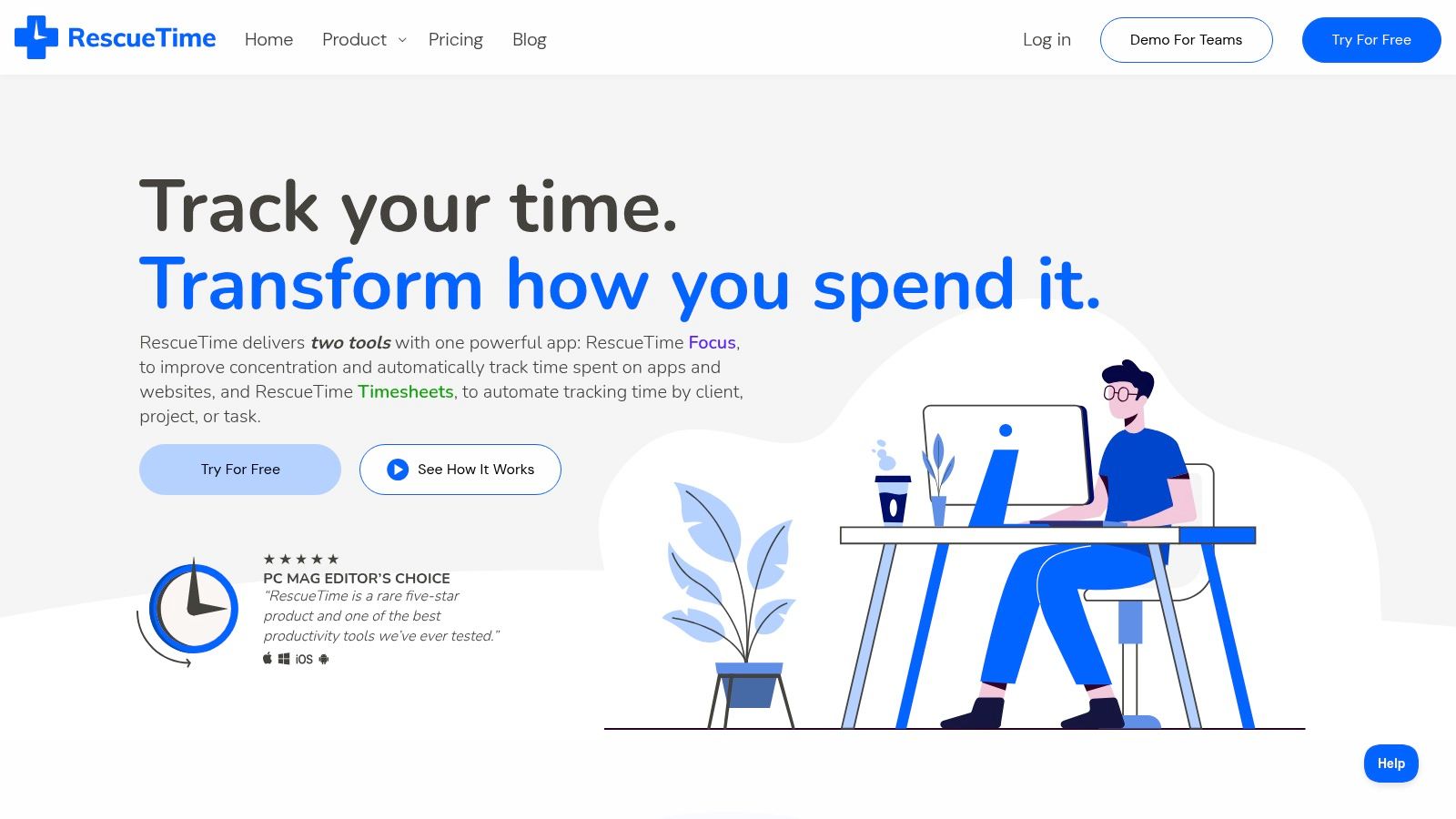
RescueTime is different from most tools on this list because it starts with awareness and focus, not billing. It runs in the background, categorizes activity automatically, and shows you what happened during the day, including where distractions crept in.
That makes it useful for freelancers whose first problem is not invoicing, but attention. If your day gets chewed up by switching between research, messages, admin, and client work, RescueTime gives you a much clearer picture of that behavior than a standard timer can.
Better for focus than invoicing
Wave’s roundup highlights RescueTime as a tool that runs in the background to track productivity and block distractions. That’s the right lens for judging it. RescueTime is strongest when you want to understand your work patterns and protect deep work using Focus Sessions and blocking tools.
It can support timesheets, but that isn’t the core personality of the product. If your main need is invoice-ready client time with detailed billing structure, other tools fit better.
What RescueTime does well is answer questions manual timers can’t answer cleanly. Which apps swallowed the morning? How often did you context switch? Were you doing billable work, or just orbiting around it?
- Best for self-awareness: Automatic tracking reveals patterns you won’t catch manually.
- Best for distraction control: Focus Sessions and blockers are more than cosmetic add-ons.
- Less ideal for billing-first freelancers: The invoicing side isn’t as central as it is in Harvest or similar tools.
RescueTime is worth choosing if recovering attention matters as much as recovering billable hours. You can explore it on the RescueTime website.
7. Rize
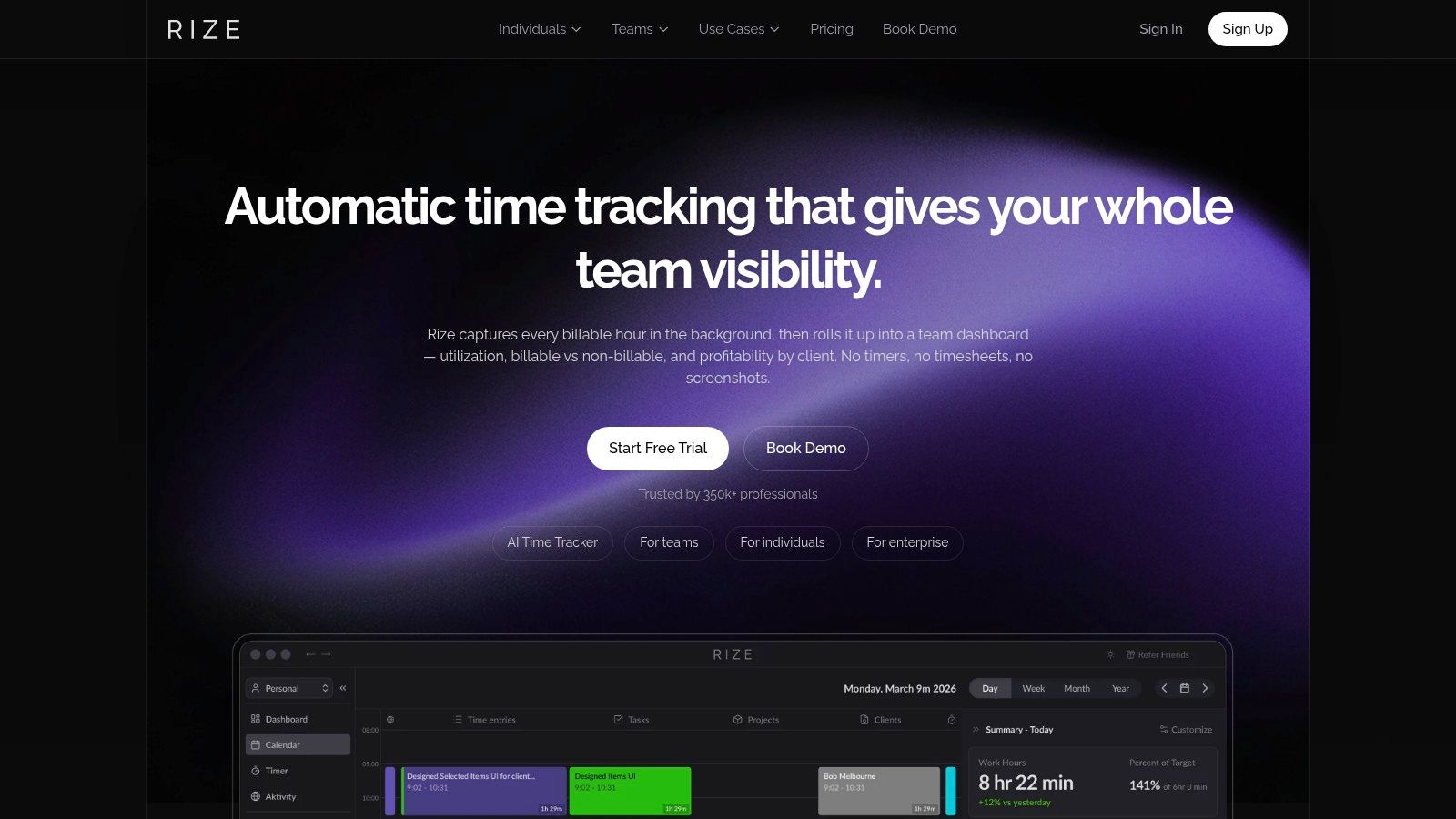
Rize is built for freelancers who don’t want manual timers at all. It tracks app and URL activity automatically, adds AI-assisted categorization, and gives you reports that are usable for client work rather than just personal curiosity.
This category is still less common than timer-based tools, which is exactly why Rize stands out. A lot of freelancers know they need time visibility, but they haven’t moved to passive tracking yet. Rize is aimed squarely at that gap.
Strong fit for messy knowledge work
Independent roundup coverage has pointed out that the market still tends to compare tools by broad buckets like “best for freelancers” or “best for invoicing,” while spending less time on the trade-off between frictionless capture and intentional review. MyHours makes that point in its guide to time tracking apps. That’s where Rize is interesting. It’s much better suited to fragmented work than traditional timers.
If you spend your day bouncing between Figma, docs, research tabs, chat, meetings, and client revisions, a simple stopwatch often falls apart. Rize handles that kind of work more naturally, and it also adds focus coaching, break prompts, and session planning.
The trade-off is straightforward. If you only need basic time logs, Rize can feel expensive compared with simpler timer-based options. And if you want a permanent free plan, this isn’t the strongest choice.
Still, for freelancers doing software, design, or other work where deep sessions don’t fit neat timer blocks, Rize is one of the better modern options. You can see it on the Rize website.
8. Timing
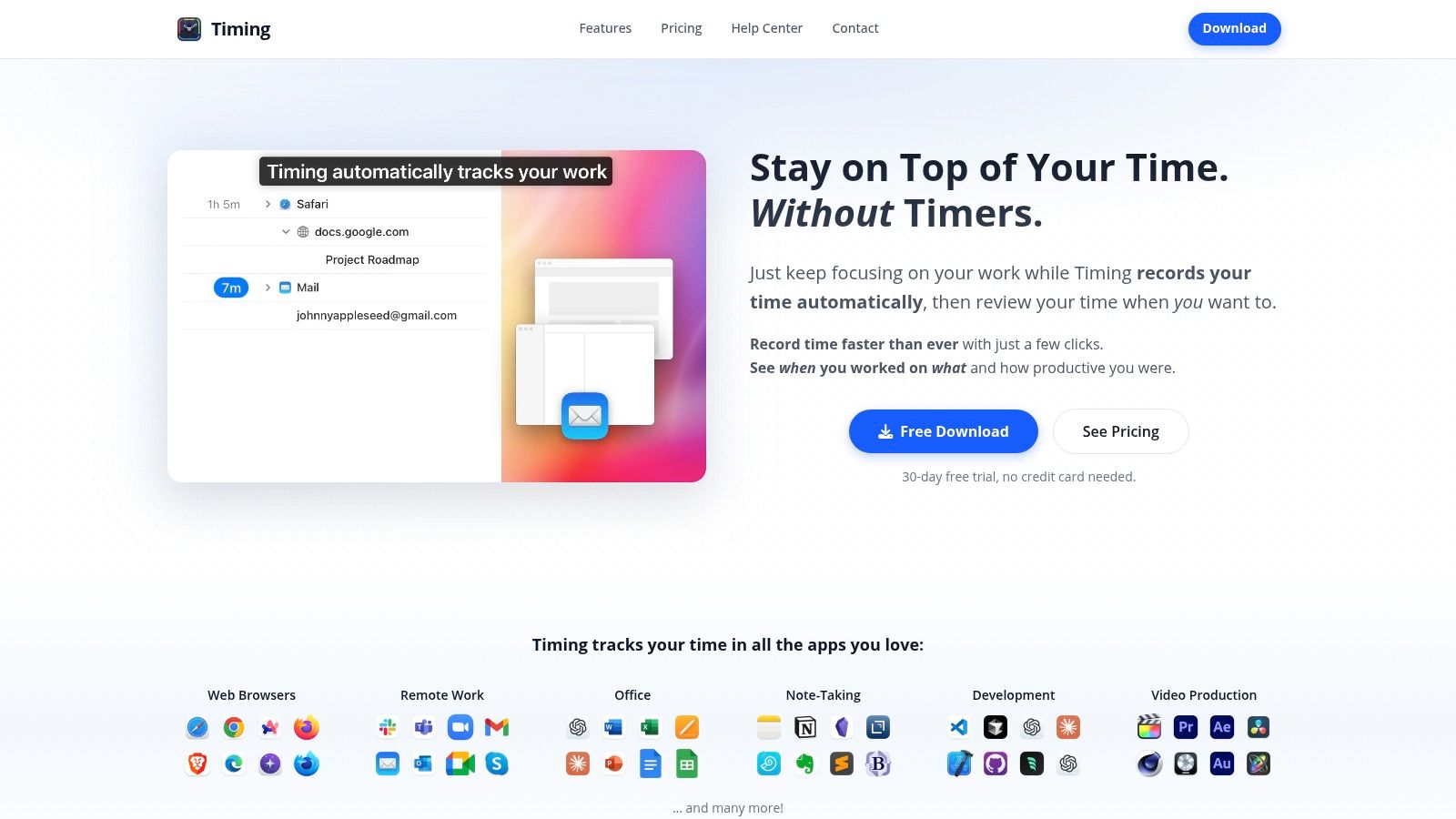
Timing is one of the strongest Mac-native alternatives for freelancers who want detailed automatic tracking without living inside a timer. It captures apps, window titles, and file paths, then lets you build rules that assign work to projects automatically.
That rule system is a key selling point. Once set up well, it cuts down on repetitive categorization and makes your timeline far more useful. For freelancers who spend most of the day in a stable set of tools and client folders, that can save a lot of cleanup.
For detail-oriented Mac users
Timing appeals to people who like precision. Its timeline gives deep context, and the calendar overlay helps you reconcile actual work with meetings and planned schedules. If your freelance work depends on reconstructing exactly what happened on a project, Timing is excellent at that.
The downside is platform scope. Like Chronoid, it’s Mac-only, so mixed-device setups need a second solution. It also expects a bit more setup and rule tuning than the most lightweight tools in this category.
Timing rewards freelancers who are willing to spend time designing their tracking system once, so they don’t have to keep designing it every week.
If your work lives primarily on macOS and you want detailed, automatic records with more control than a simple timer provides, Timing is a strong option. The product is on the Timing website.
9. Everhour
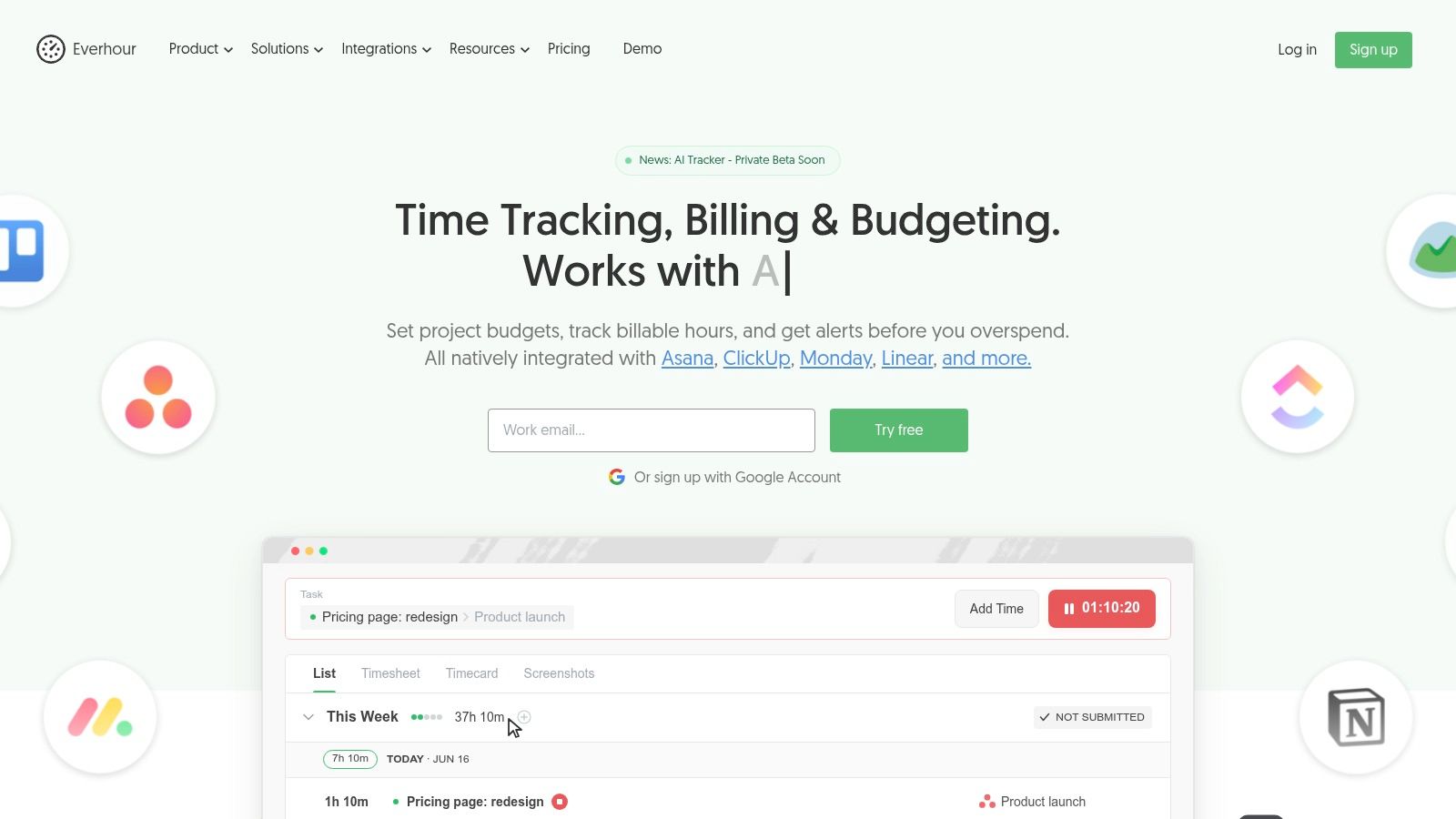
Everhour makes the most sense when your client work already lives inside project management software. If you spend your day in Asana, ClickUp, Jira, Trello, Notion, or Linear, tracking time directly inside those tools is often cleaner than forcing yourself to maintain a separate timer workflow.
That’s the main advantage here. Everhour meets you where the work already happens. For freelancers embedded in client systems, that reduces friction and keeps the context attached to the task instead of floating off in a separate app.
Best when tasks drive billing
Everhour also handles budgeting, reporting, billable rates, expenses, and invoicing, so it’s not just a thin integration layer. It has enough operational depth for freelancers who need to monitor project budgets closely and send clear billing records back to clients.
The trade-off is that some parts of the product feel more team-oriented than solo-oriented. That’s not necessarily bad, but it can make the app feel bigger than a solo freelancer needs unless client PM integration is a core requirement.
A good rule is simple:
- Choose Everhour if tasks are your source of truth: Your billing starts from work items inside PM tools.
- Skip it if your day is more exploratory: Research-heavy or creative work often fits better with background activity tracking.
- Use it if clients live in their own systems: It’s easier to track work inside their stack than mirror everything elsewhere.
For task-driven freelancers, Everhour is one of the cleanest answers available. You can visit the Everhour website.
10. Hubstaff
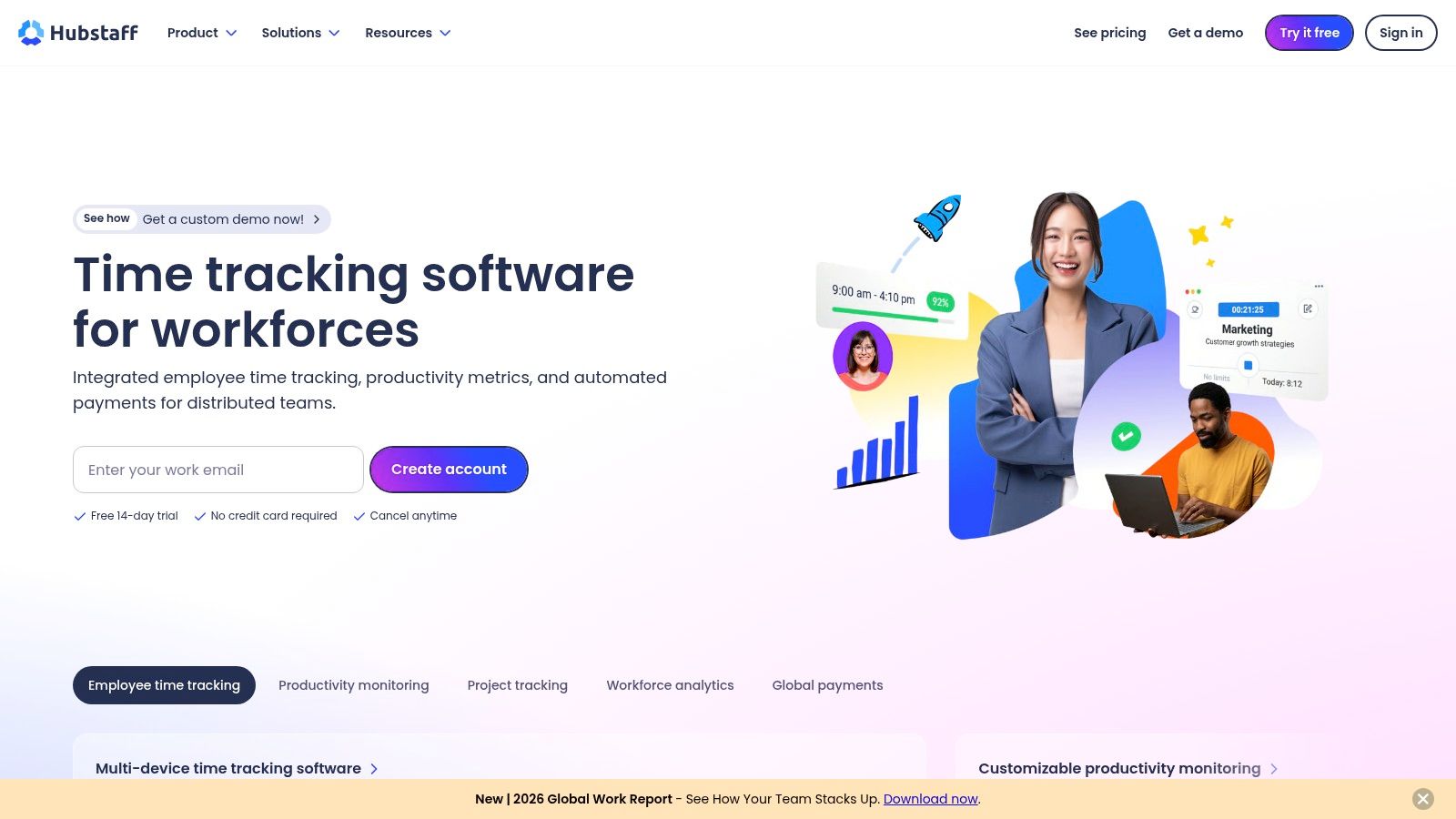
Hubstaff is the outlier in this list because it leans harder into proof-of-work, visibility, and workforce controls than most freelancers generally want. But for some freelance situations, that’s exactly why it’s useful.
If clients require audit trails, screenshots, activity data, GPS tracking, or tighter verification around logged time, Hubstaff can do that job. It also connects time tracking with invoicing, payroll, budgets, and location-aware workflows, which makes it relevant for field work and on-site contracting, not just desk-based freelance work.
When proof matters more than elegance
Most solo freelancers won’t need all of Hubstaff’s monitoring features. In fact, many will find them excessive. If you work independently and mostly need accurate logs for your own billing, lighter tools usually feel better.
But some client relationships are more compliance-driven. Agencies, subcontracting arrangements, and operational gigs sometimes require a stronger paper trail. Hubstaff is built for that environment.
Its weakness is the same as its strength. The more visibility and verification a tool offers, the more careful you need to be about privacy settings, client expectations, and how much monitoring you want in your workday.
Hubstaff isn’t the best time tracker for freelancers in the broadest sense. It is one of the better choices for freelancers who need documented accountability along with time tracking. You can explore it on the Hubstaff website.
Top 10 Freelancer Time Trackers, Quick Comparison
| Tool | Core features | UX & Quality ★ | Value & Pricing 💰 | Target audience 👥 | Unique selling points ✨ |
|---|---|---|---|---|---|
| Chronoid 🏆 | Automatic app/site/document capture; on‑device AI categorization; blocker, scheduled focus, Pomodoro | ★★★★★, Native macOS, lightweight, local‑first privacy | 💰 One‑time from $49; 7‑day free trial; no account/subscription required | 👥 Freelancers, creatives, remote devs, students (incl. ADHD) | ✨ On‑device AI chat + local data, built‑in focus toolkit, lifetime license |
| Toggl Track | One‑click timers across web/desktop/mobile; calendar & reporting; Pomodoro | ★★★★☆, Very low friction, strong reports | 💰 Free tier; paid per‑user/month plans for advanced features | 👥 Solo consultants → small teams | ✨ Fast start + 100+ integrations |
| Harvest | Time, expenses, invoices & payments; project budgets & profitability | ★★★★☆, Billing‑centric, polished invoicing | 💰 Paid plans (per user/month); invoicing & payments included | 👥 Freelancers/SMBs who need end‑to‑end billing | ✨ Built‑in invoicing + payment capture |
| Clockify | Unlimited free tracking, timesheets, projects, tags | ★★★★☆, Feature‑rich; UI can feel busy | 💰 Generous free tier; low‑cost paid upgrades for invoicing/advanced tools | 👥 Freelancers & teams wanting a free start | ✨ Truly unlimited free plan, many integrations |
| Timely (Memory) | Automatic activity capture with AI timesheet suggestions; capacity tools | ★★★★☆, Strong privacy framing; AI timesheets | 💰 Subscription pricing; higher than lightweight timers | 👥 Freelancers & small agencies who prefer auto‑tracking | ✨ AI‑generated timesheets & capacity/budget dashboards |
| RescueTime | Automatic tracking + Focus Sessions with site/app blocking; productivity scoring | ★★★★☆, Focus‑centric, habit insights | 💰 Free basic; Premium subscription; optional Timesheets bundle | 👥 Individuals focused on productivity & distraction reduction | ✨ Focus Sessions + productivity goals & scoring |
| Rize | Automatic AI capture; focus coaching, session planning; exportable reports & APIs | ★★★★☆, Minimal setup, auto insights | 💰 Trial available; subscription plans | 👥 Freelancers wanting auto insights, exports & APIs | ✨ Focus coaching, scheduled exports, developer APIs |
| Timing (Mac) | Mac-native automatic tracking with timeline, rule‑based auto‑assignment & file paths | ★★★★☆, Deep macOS detail for creatives/devs | 💰 Paid (one‑time & subscription options depending on tier) | 👥 Mac creatives and developers needing granular timelines | ✨ Rule‑based auto‑assignment and file/path context |
| Everhour | Time tracking inside PM tools, budgeting, invoicing & reporting | ★★★★☆, Excellent PM integrations | 💰 Paid per‑user/month; team minimums on some plans | 👥 Freelancers & teams working inside Asana/ClickUp/Linear etc. | ✨ Best‑in‑class native PM tool integrations and budget controls |
| Hubstaff | Timers, activity levels, optional screenshots, GPS/geofencing, payroll & invoices | ★★★☆☆, Powerful but monitoring can feel heavy | 💰 Paid tiers; payroll/invoicing add‑ons | 👥 Field teams, agencies or clients needing proof‑of‑work | ✨ GPS/geofencing, payroll & compliance features |
Final Thoughts
The best time tracker for freelancers depends less on feature lists than on one honest question. Where are you losing time right now?
If you’re losing time because you forget to start timers, don’t buy another timer and promise yourself you’ll be more disciplined next week. That usually doesn’t hold. Automatic tracking is the better fit. It captures fragmented work, reduces admin, and gives you a record of what happened without forcing you to remember every task transition.
If you’re losing time because billing is messy, then a billing-first tool like Harvest may solve more of the underlying problem than a pure tracker. If your work lives inside project management software, Everhour may reduce more friction than a standalone app. And if you need proof-of-work for demanding clients, Hubstaff may be the practical answer even if it feels heavier than you’d choose for yourself.
The bigger shift is clear. The category has moved beyond stopwatch-style logging. Modern tools increasingly combine tracking with reporting, categorization, invoicing, and focus support. That matters because freelancers don’t just need a record of hours. They need a system that helps them recover missed work, review what was billable, and turn that into invoices without a pile of end-of-week admin.
That’s especially important on Mac, where many freelancers work across a patchwork of creative apps, development tools, meeting software, notes, documents, and browser tabs. In that environment, automatic tracking often does a better job than manual timers because the work itself isn’t neatly segmented.
My practical advice is simple:
- Choose manual timers if you already track consistently: Toggl Track and Clockify are still strong options.
- Choose automatic tracking if your days are fragmented: Chronoid, Timely, Rize, Timing, and RescueTime all reduce tracking friction in different ways.
- Choose billing integration if invoices are the bottleneck: Harvest is especially strong there.
- Choose PM integration or compliance features only when you need them: Everhour and Hubstaff are best when the work context demands them.
For most freelancers, the winning tool is the one you don’t have to fight. It should effortlessly capture work, help you review it fast, and make invoicing easier. If a tracker creates another layer of admin, it’s not solving the actual problem.
The short version is this. Manual timers still work for structured days. Automatic, privacy-conscious tracking works better for messy real ones. And that’s why the best time tracker for freelancers in 2026 looks a lot less like a stopwatch and a lot more like a background system that helps you bill accurately without draining attention.
If you work primarily on a Mac and want a tracker that reduces admin instead of adding to it, Chronoid is worth trying. It automatically tracks apps, websites, and documents, keeps data local by default, and includes built-in focus tools so you can track billable work and protect it in the same app.