
You send the final files, open your invoicing tool, and hit the usual fork in the road. A native Mac app gives you local storage, better keyboard flow, and the option to keep working when Wi-Fi drops. A cloud service gives you client portals, payment links, and easier collaboration with a bookkeeper or accountant. On a Mac, that difference is not cosmetic. Some invoicing tools still feel like websites wearing a desktop costume. Others behave like proper macOS software, with faster navigation, better offline behavior, and tighter integration with the way Mac users already work. If you bill clients every week, those details affect speed, focus, and whether invoicing becomes a chore you keep putting off. Mac users also have more real choice than they did a few years ago. Some freelancers want a native app that stays out of the way and keeps data close at hand. Others need a cloud system because clients pay online, teammates need access, or an accountant lives inside QuickBooks. Both approaches can work. The right pick depends less on feature count and more on how you run your business. This guide separates the strongest options into macOS-native and cloud-based tools, then evaluates the trade-offs that matter in practice: offline access, billing speed, payment collection, customization, and whether each product fits a solo freelancer, a service business, or a small team.
Just need to send one invoice today? The free invoice generator makes a clean PDF invoice in your browser with line items and tax, no signup or watermark.
macOS-native invoice tools
1. GrandTotal
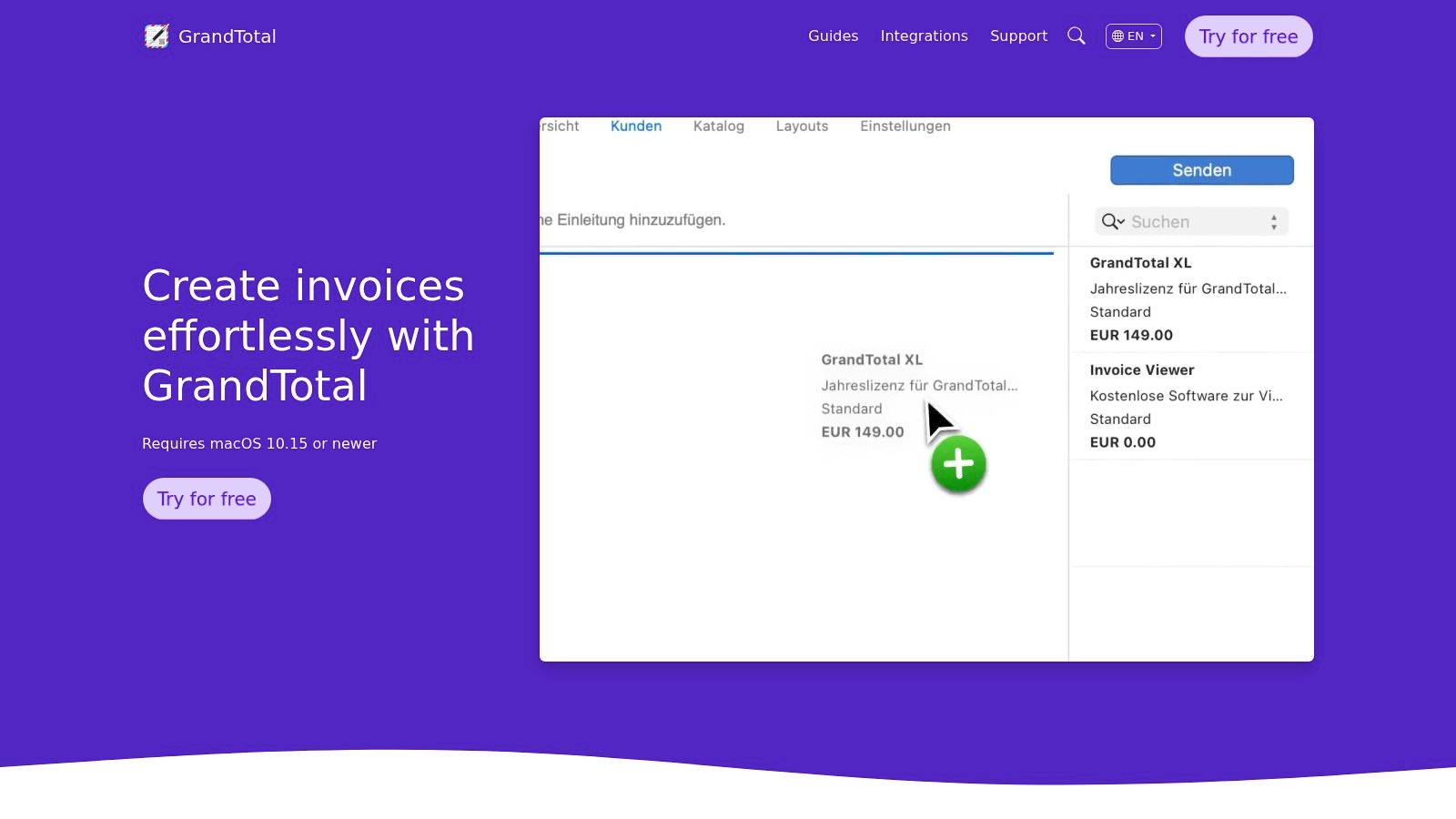 GrandTotal suits a familiar Mac scenario. You are on a train, in a client office, or working through admin before a flight, and you need to send an invoice without waiting on a browser app to reload or a cloud service to cooperate. GrandTotal feels built for that kind of work. It is one of the clearest examples of a macOS-native invoicing tool that treats the Mac app as the main product, not a wrapper around a web service.
That distinction matters. On a Mac, GrandTotal behaves like local software should. It opens quickly, stores data locally by default, and keeps routine invoicing tasks close to the desktop instead of pushing everything into a browser tab. If your priority is performance, offline access, and document control, GrandTotal makes more sense than many cloud-first tools on this list.
It covers the basics well, then gives you more control than simpler invoicing apps usually do. Quotes, invoices, recurring billing, reminders, document numbering, project-based organization, and reporting are all built in. The core strength is how precisely you can shape the output. For freelancers and small studios that care about branded PDFs, numbering rules, and keeping records in a system they can manage directly, that control is useful every week.
A few practical strengths stand out:
GrandTotal suits a familiar Mac scenario. You are on a train, in a client office, or working through admin before a flight, and you need to send an invoice without waiting on a browser app to reload or a cloud service to cooperate. GrandTotal feels built for that kind of work. It is one of the clearest examples of a macOS-native invoicing tool that treats the Mac app as the main product, not a wrapper around a web service.
That distinction matters. On a Mac, GrandTotal behaves like local software should. It opens quickly, stores data locally by default, and keeps routine invoicing tasks close to the desktop instead of pushing everything into a browser tab. If your priority is performance, offline access, and document control, GrandTotal makes more sense than many cloud-first tools on this list.
It covers the basics well, then gives you more control than simpler invoicing apps usually do. Quotes, invoices, recurring billing, reminders, document numbering, project-based organization, and reporting are all built in. The core strength is how precisely you can shape the output. For freelancers and small studios that care about branded PDFs, numbering rules, and keeping records in a system they can manage directly, that control is useful every week.
A few practical strengths stand out:
- Fast native workflow: Opening client records, editing line items, and exporting documents feels quick on macOS.
- Strong layout control: Templates, formatting, and numbering options are better than what many cloud invoice tools allow.
- Offline-first comfort: You can keep working without treating offline mode like an exception.
- Mac-centered setup: It fits users who already rely on Finder, local file organization, and desktop apps for day-to-day admin. I usually recommend GrandTotal to freelancers, consultants, and small agencies that want invoicing without dragging in a full accounting stack. It stays focused. That is part of the appeal. The trade-off is collaboration and ecosystem reach. If your bookkeeper, business partner, and accountant all need live access in the same system, a cloud platform such as QuickBooks Online is usually easier to manage. GrandTotal can export and share cleanly, but it works best when the Mac is the center of the workflow, not just one access point among many.
2. Moon Invoice
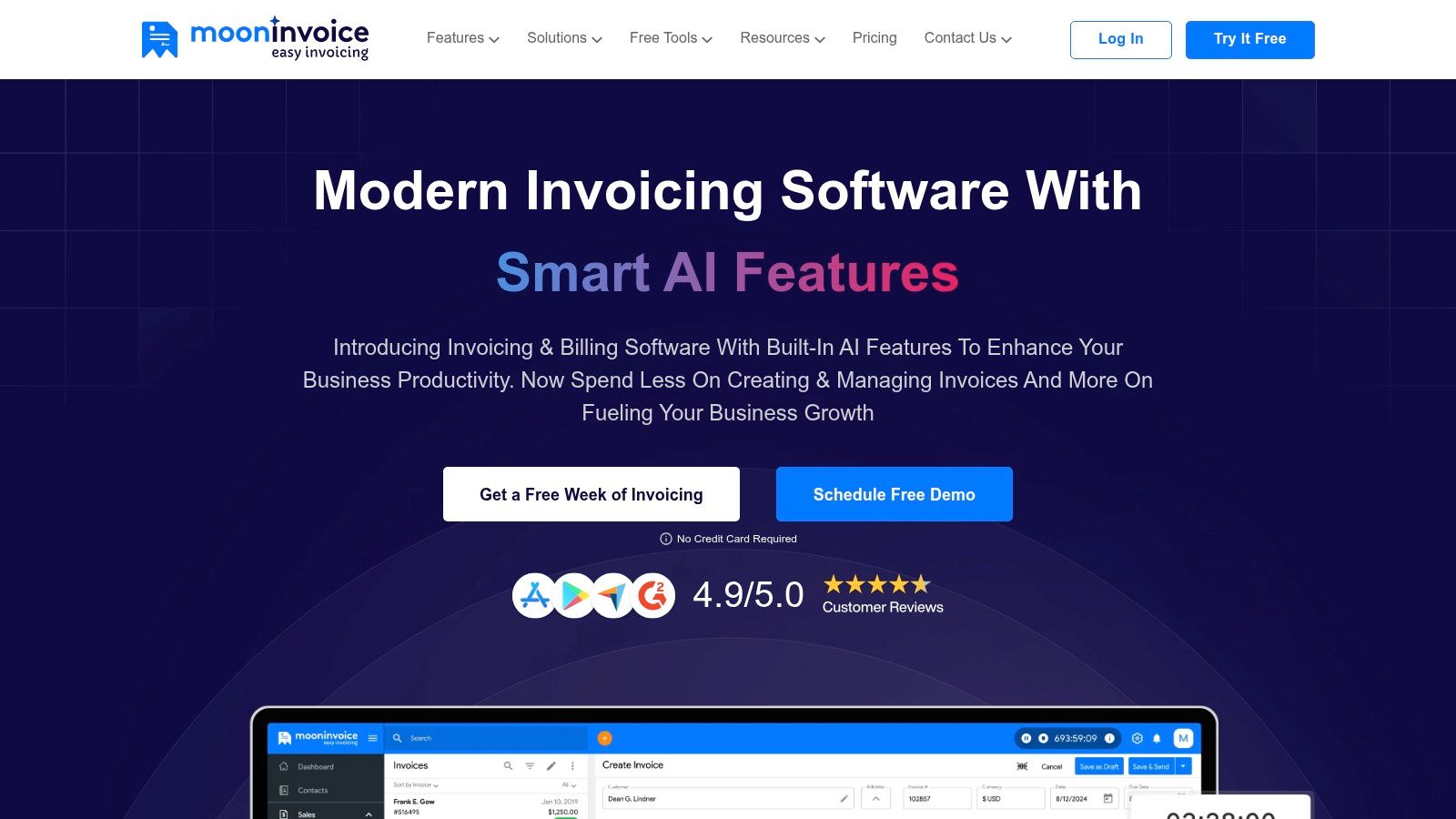 Moon Invoice sits in a useful middle ground. It has a dedicated Mac app, can work offline with local storage, and still leans into sync and payment flexibility more than older desktop-only invoicing tools. For freelancers who want invoicing plus a bit of operational support, it covers a lot without becoming a full accounting suite.
It handles estimates, invoices, credit notes, purchase orders, time tracking, and polished PDF templates. That makes it a practical choice for service businesses that send more than just standard invoices. If you also issue estimates first, or need purchase orders in the same system, Moon Invoice is more complete than many “simple invoicing” apps.
Moon Invoice sits in a useful middle ground. It has a dedicated Mac app, can work offline with local storage, and still leans into sync and payment flexibility more than older desktop-only invoicing tools. For freelancers who want invoicing plus a bit of operational support, it covers a lot without becoming a full accounting suite.
It handles estimates, invoices, credit notes, purchase orders, time tracking, and polished PDF templates. That makes it a practical choice for service businesses that send more than just standard invoices. If you also issue estimates first, or need purchase orders in the same system, Moon Invoice is more complete than many “simple invoicing” apps.
Best fit and real trade-offs
The selling point isn’t accounting depth. It’s convenience. You can move from estimate to invoice quickly, use multiple payment methods, and keep working even when you aren’t connected. A few things make it attractive on Mac:
- Offline workflow: Good for people who travel or work from cafes, coworking spaces, or client sites.
- Broad payment support: It supports 20+ payment methods, including Stripe, Square, PayPal, and Apple Pay.
- Fast document output: The template selection is generous, and that matters if you want invoices to look finished with minimal tweaking. The downside is that Moon Invoice can feel like an invoicing hub trying to do light accounting around the edges. If you need strong bookkeeping, tax reporting depth, or accountant handoff, you’ll likely outgrow it.
Moon Invoice is a good choice when your invoicing workflow is wider than just invoices, but not so wide that you need a full finance stack.
Also, confirm current plan details before you commit. Pricing pages and promotions tend to change, so I wouldn’t choose it on price alone. Choose it because you want a Mac-friendly app that handles a lot of billing paperwork cleanly.
3. Harvest
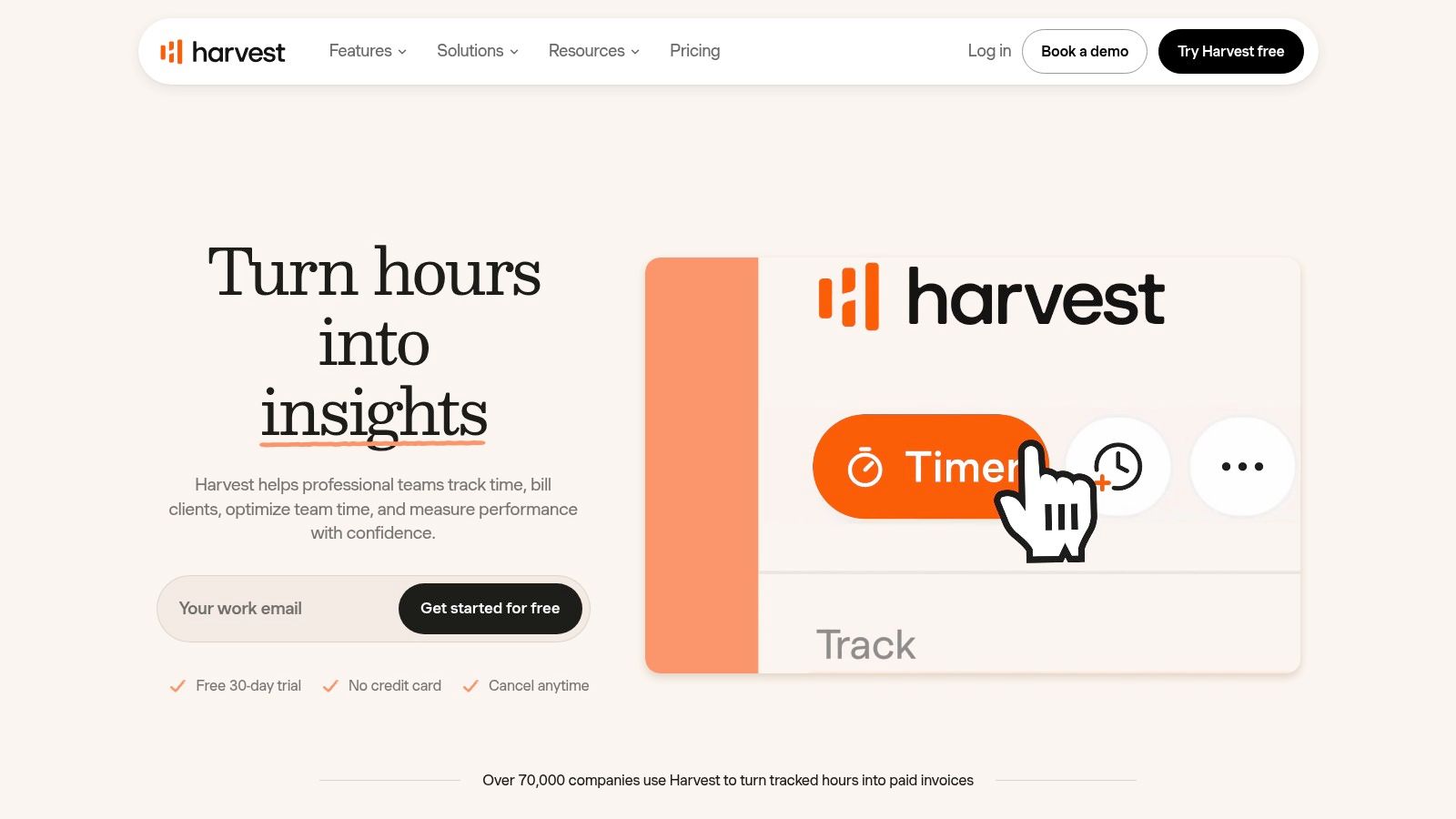 Harvest deserves a place in a Mac invoice software list even though it starts from time tracking, not invoicing. That’s exactly why it works. Many freelancers don’t struggle with making an invoice. They struggle with remembering what to bill.
Harvest gives you a native Mac app for time capture, then turns tracked time and expenses into invoices. That path is cleaner for hourly consultants, developers, designers, and small agencies than starting with an invoice template and filling in hours from memory.
Harvest deserves a place in a Mac invoice software list even though it starts from time tracking, not invoicing. That’s exactly why it works. Many freelancers don’t struggle with making an invoice. They struggle with remembering what to bill.
Harvest gives you a native Mac app for time capture, then turns tracked time and expenses into invoices. That path is cleaner for hourly consultants, developers, designers, and small agencies than starting with an invoice template and filling in hours from memory.
Why time-first beats invoice-first for hourly work
A lot of invoice software mac reviews focus on templates, reminders, and payment buttons. Those are useful, but they come after the hard part. The upstream problem is time attribution. Mac-focused invoicing tools are increasingly judged on workflow features like estimate conversion, reporting, offline continuity, tax settings, encryption, and exports, as discussed in Timing’s review of invoicing software for Mac. For hourly billing, the cleaner the handoff from tracked work to invoice, the less money slips away. Harvest’s strengths are straightforward:
- Time-to-invoice pipeline: Tracked hours and expenses can move into invoices without manual re-entry.
- Reporting: Team reporting and budget tracking help if you bill across several projects.
- Accounting connections: Integrations with Stripe, QuickBooks Online, and Xero make it easier to hand off the financial side later. If your current process still relies on memory and calendar archaeology, read this guide on how to track billable hours. It solves an issue many invoice tools leave untouched. The limitation is obvious too. Harvest isn’t trying to be your whole accounting system. For many freelancers that’s fine. For larger teams, it often becomes one layer in a stack rather than the entire setup.
4. Chronoid
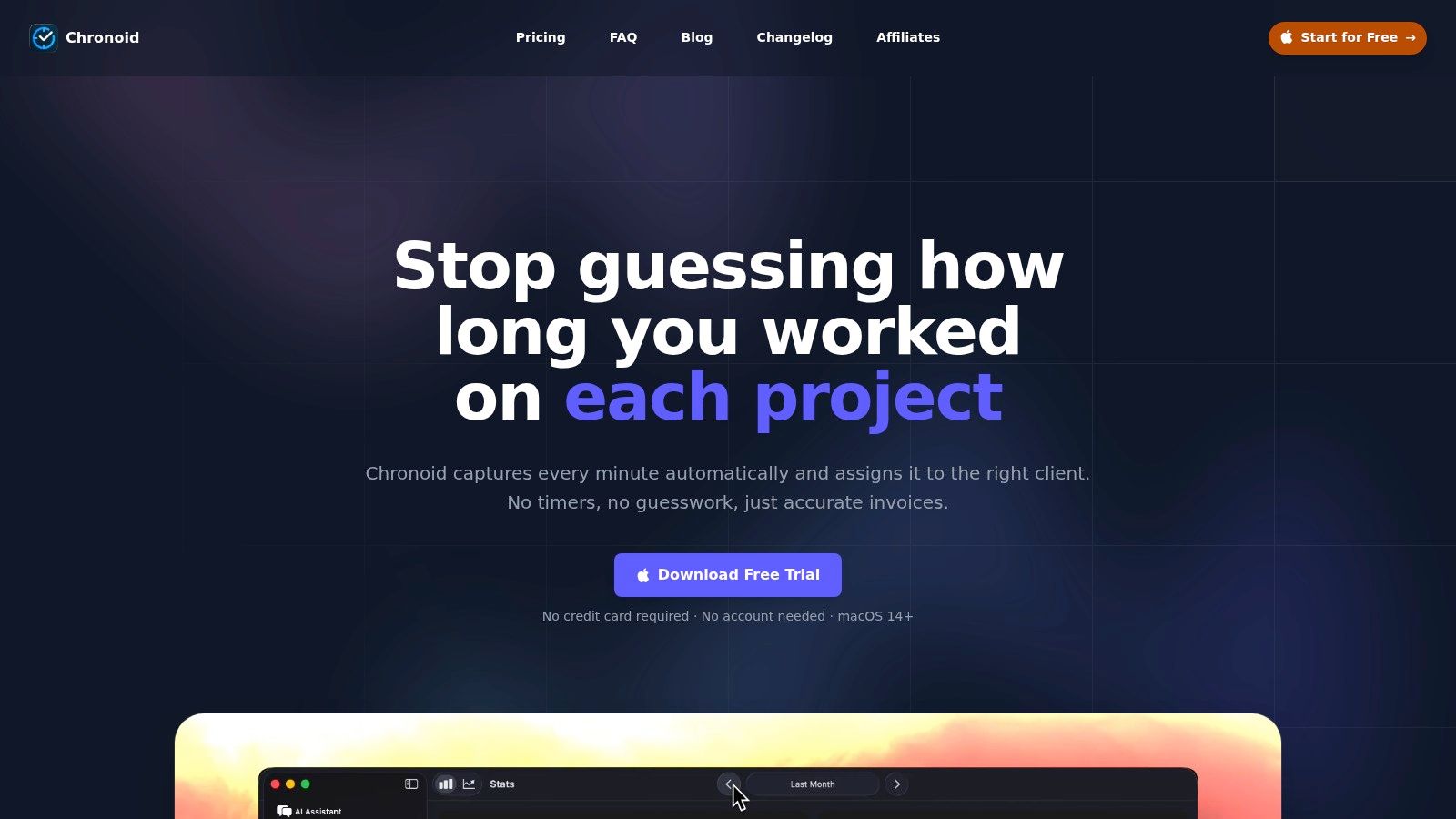 A familiar Mac freelancer problem looks like this. The invoice is due, the client expects a clean breakdown, and half the work happened across Slack, Figma, Safari, Notes, and a dozen short bursts you did not track with a timer. In that situation, invoice formatting is not the main problem. Record quality is.
That is why Chronoid earns a place in the macOS-native group instead of being treated like a side utility. It runs on macOS, tracks app, website, and document activity in the background, and gives you a usable work log without asking you to remember every start and stop. If you bill hourly, that changes the quality of the invoice before you ever draft one.
A familiar Mac freelancer problem looks like this. The invoice is due, the client expects a clean breakdown, and half the work happened across Slack, Figma, Safari, Notes, and a dozen short bursts you did not track with a timer. In that situation, invoice formatting is not the main problem. Record quality is.
That is why Chronoid earns a place in the macOS-native group instead of being treated like a side utility. It runs on macOS, tracks app, website, and document activity in the background, and gives you a usable work log without asking you to remember every start and stop. If you bill hourly, that changes the quality of the invoice before you ever draft one.
Why Chronoid fits Mac invoicing better than many general tools
A lot of cloud invoicing products assume your time data is already clean. Chronoid starts earlier in the workflow. It helps you reconstruct what happened during the week with far less guesswork, which is often the expensive part for consultants, developers, designers, and editors. You can review tracked activity, sort it into projects, and turn that history into billing records for weekly, bi-weekly, or monthly invoicing. That approach makes more sense on a Mac than forcing another browser tab into the process, especially if you care about native performance, offline access, and keeping your raw activity data close to the device.
What stands out in practice
After testing a lot of invoicing tools on macOS, I think Chronoid is strongest when your billing depends on accurate time reconstruction, not polished accounts receivable features.
- Automatic activity capture: It records apps, websites, and documents without constant timer management.
- Mac-first workflow: It feels like a desktop tool, not a web app wrapped in Mac branding.
- Local-first setup: Activity data stays on your Mac by default, with optional cloud support through your provider.
- Useful context tools: AI categorization and chat can help turn raw logs into billable project history.
- Focus features included: Website blocking, scheduled focus sessions, and Pomodoro tools reduce app switching. The trade-off is clear. Chronoid is not trying to replace a full invoicing and accounting stack. You still need another tool if you want built-in payment collection, bookkeeping, tax workflows, or broader team finance controls. That limitation will be fine for solo Mac users who want a better source of billable records. It will be less practical for mixed-platform teams or businesses that want invoicing, payments, and accounting in one system. Its pricing model also stands out. Chronoid can be bought once (from $59) or by subscription, with a free trial, which will appeal to Mac users who would rather buy a tool once than add another monthly subscription.
cloud-based invoice and accounting tools
5. FreshBooks
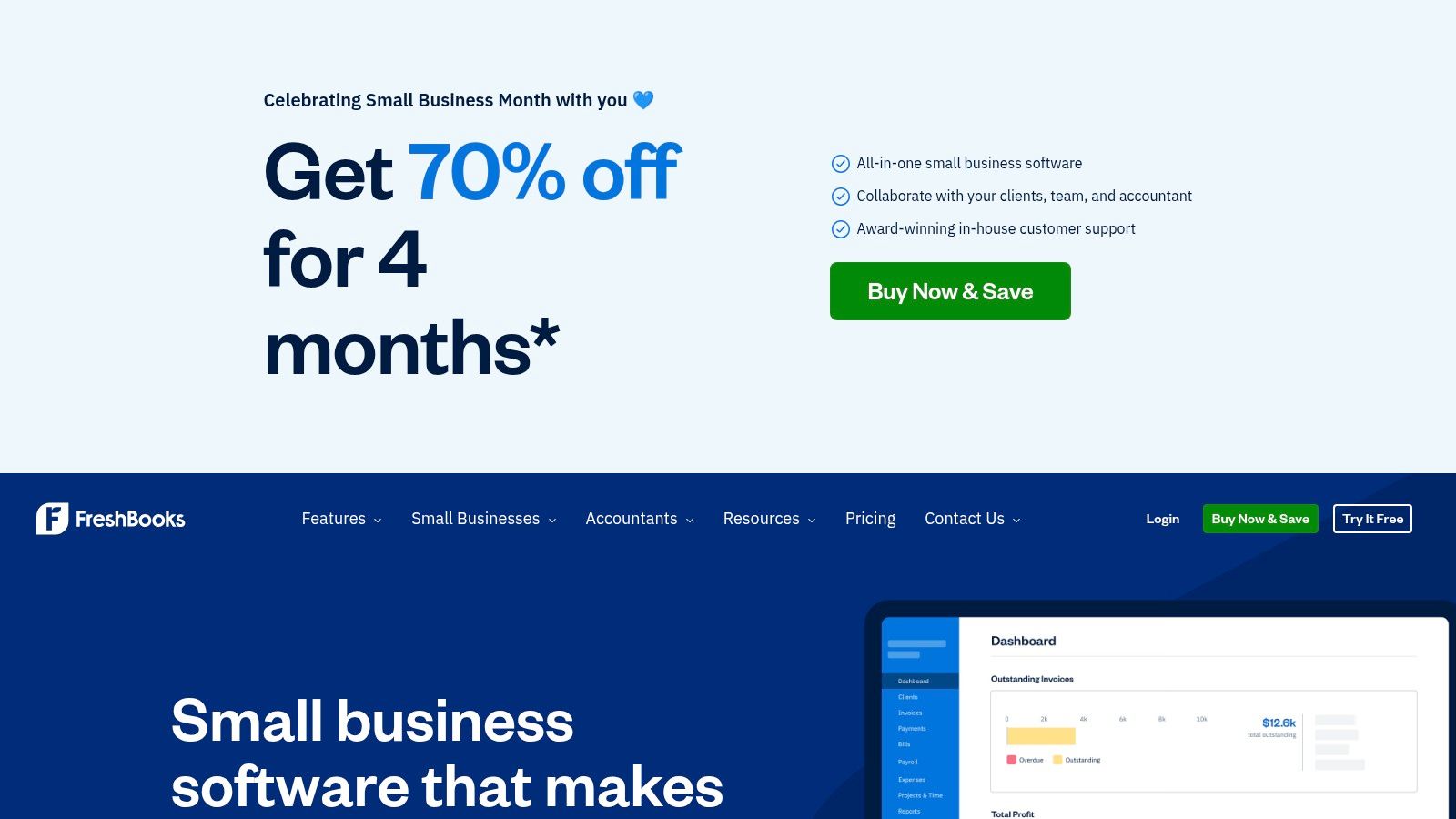 FreshBooks is one of the easiest cloud tools to recommend when someone wants invoicing plus enough accounting to run a small service business without hiring a finance lead. It works well on a Mac through the browser, and its invoice flow is fast enough that it doesn’t feel like admin punishment.
Its strengths are practical. You get customized invoices, automated reminders, deposits, retainers, recurring billing, time and expense conversion into invoices, integrated payments, and a client portal. That’s a strong package for freelancers and agencies who need client-facing polish without moving to a heavier system too early.
FreshBooks is one of the easiest cloud tools to recommend when someone wants invoicing plus enough accounting to run a small service business without hiring a finance lead. It works well on a Mac through the browser, and its invoice flow is fast enough that it doesn’t feel like admin punishment.
Its strengths are practical. You get customized invoices, automated reminders, deposits, retainers, recurring billing, time and expense conversion into invoices, integrated payments, and a client portal. That’s a strong package for freelancers and agencies who need client-facing polish without moving to a heavier system too early.
Where FreshBooks fits
FreshBooks works best when invoicing is tied closely to client communication. If you send estimates, collect deposits, manage retainers, and want clients to pay from a clean portal, it does that better than many tools that started as accounting software. The app is also friendly to non-accountants. That’s a bigger advantage than it sounds. Plenty of platforms can do more, but they make routine billing feel slower. A few reasons people stick with it:
- Fast invoice creation: The UI stays approachable even as you add recurring work, expenses, or deposits.
- Client portal: Clients can review and pay without the awkwardness of back-and-forth PDF threads.
- Agency-friendly extras: Proposals and retainers help if you’re packaging recurring service work. For solo operators trying to keep a lean stack, FreshBooks pairs well with broader productivity tools for freelancers. The less friction between work, tracking, and billing, the more likely invoices go out on time. The trade-off is cost creep. Extra users cost more, some plans limit client counts, and list pricing can feel steep if you only need invoicing. FreshBooks is best when you use its wider workflow, not just its invoice screen.
6. QuickBooks Online
QuickBooks Online is the default answer in a lot of small business circles, and sometimes that’s justified. If you want one cloud platform for invoicing, bookkeeping, reconciliation, tax prep support, and accountant access, it covers the whole lane better than most competitors. For Mac users, the important point is simple. If you’re in the US and shopping for QuickBooks on a Mac, the path is QuickBooks Online. The old desktop route isn’t the direction Intuit is pushing for new customers, so you should evaluate it as a browser-based system from the start.
When QuickBooks Online is worth the complexity
QuickBooks Online shines when invoicing is only one piece of the puzzle. If you need progress invoicing, recurring invoices, late fees in certain tiers, integrated payment collection, and bookkeeping in the same system, it earns its footprint. What works well:
- Full financial workflow: Invoices don’t live in isolation. Payments reconcile back into the books.
- Accountant ecosystem: If you work with an external bookkeeper or accountant, they probably already know the system.
- Client payment flow: Clients can often pay directly from the invoice, which removes friction. The downside is that QuickBooks can feel like overkill for a solo freelancer who just wants to send invoices from a Mac. You don’t just buy invoicing. You buy a full accounting environment, and that environment asks for more setup, more maintenance, and more attention.
Choose QuickBooks Online when your invoicing process is already tied to bookkeeping and tax workflows. Skip it if you want speed, simplicity, and local Mac feel.
That’s the core trade-off. It isn’t the nicest Mac experience. It is the most complete business-finance environment on this list.
7. Zoho Invoice
Zoho Invoice is the easiest budget recommendation here because it removes the subscription question entirely. If you only need invoicing and related billing workflow, it’s a strong cloud option that doesn’t force you into a paid accounting suite on day one. It includes customizable templates, estimates, recurring billing, automated reminders, a client portal, time tracking, and payment gateway integrations. For freelancers and small businesses that want decent automation without adding another monthly line item, that’s hard to ignore.
Best for lean setups
Zoho Invoice is especially good for solo operators who know they don’t need full double-entry accounting inside the same tool. It handles the invoice side well and keeps the interface clean enough that you won’t avoid using it. Why it works:
- No base subscription fee: That lowers the barrier for early-stage freelancers.
- Recurring billing and reminders: Good for retainers and repeat service work.
- Client-facing polish: The portal and estimate acceptance flow keep things professional. Where it falls short is structural. It isn’t trying to be your accounting system. If you need fuller bookkeeping later, Zoho will push you toward other apps in its ecosystem. That isn’t necessarily bad. For many Mac users, separating invoicing from accounting keeps things cleaner. Just know what you’re buying. Zoho Invoice is best when you want a dedicated invoice tool, not a one-app finance department.
8. Wave
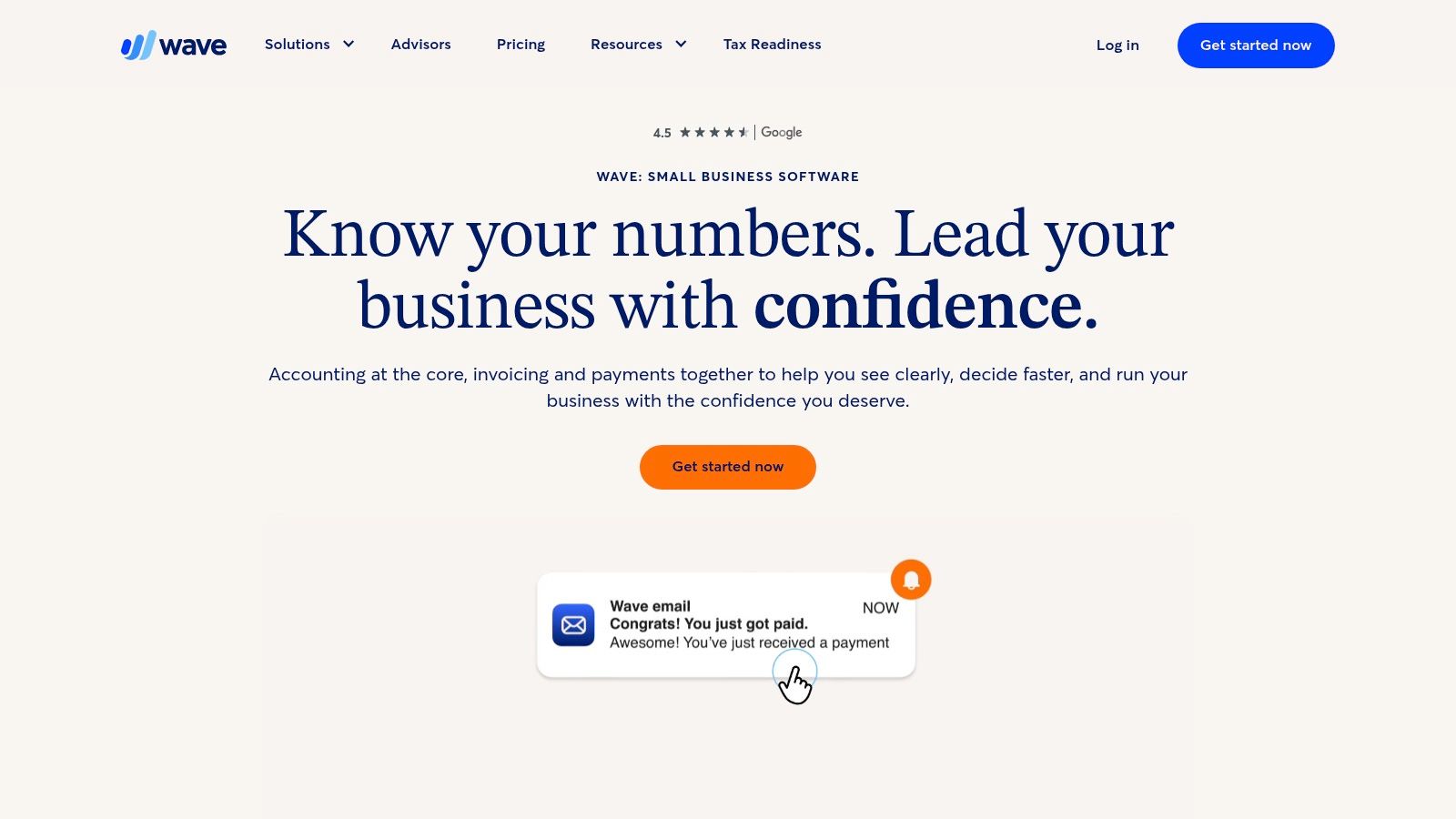 Wave remains a practical option for freelancers and sole proprietors who want online invoicing and light accounting without a steep learning curve. It’s especially appealing if your priority is low cost of entry and you don’t need a giant integration ecosystem.
Wave handles invoices, estimates, branded templates, reminders, and optional payment processing. It’s not flashy, but for many solo businesses that’s exactly the point. You can get set up quickly and start sending clean invoices without spending days learning the platform.
Wave remains a practical option for freelancers and sole proprietors who want online invoicing and light accounting without a steep learning curve. It’s especially appealing if your priority is low cost of entry and you don’t need a giant integration ecosystem.
Wave handles invoices, estimates, branded templates, reminders, and optional payment processing. It’s not flashy, but for many solo businesses that’s exactly the point. You can get set up quickly and start sending clean invoices without spending days learning the platform.
What Wave gets right
Wave is strongest when simplicity matters more than expandability. If your billing process is fairly straightforward, it can feel refreshingly uncluttered compared with larger suites. A few practical upsides:
- Easy onboarding: Most freelancers can understand the workflow quickly.
- Basic accounting included: Helpful if you want a little more than a pure invoice sender.
- Published payment pricing: Transparent payment processing details are useful when you’re comparing options. The limitations show up when your workflow gets more complex. If you need stronger automation, deeper reporting, more integrations, or a broader client operation, Wave starts to feel small. It also has a lighter Mac experience because it’s primarily a cloud service. That’s fine for plenty of people. It’s less ideal if you strongly prefer native apps, offline continuity, or local-first data handling.
9. Square Invoices
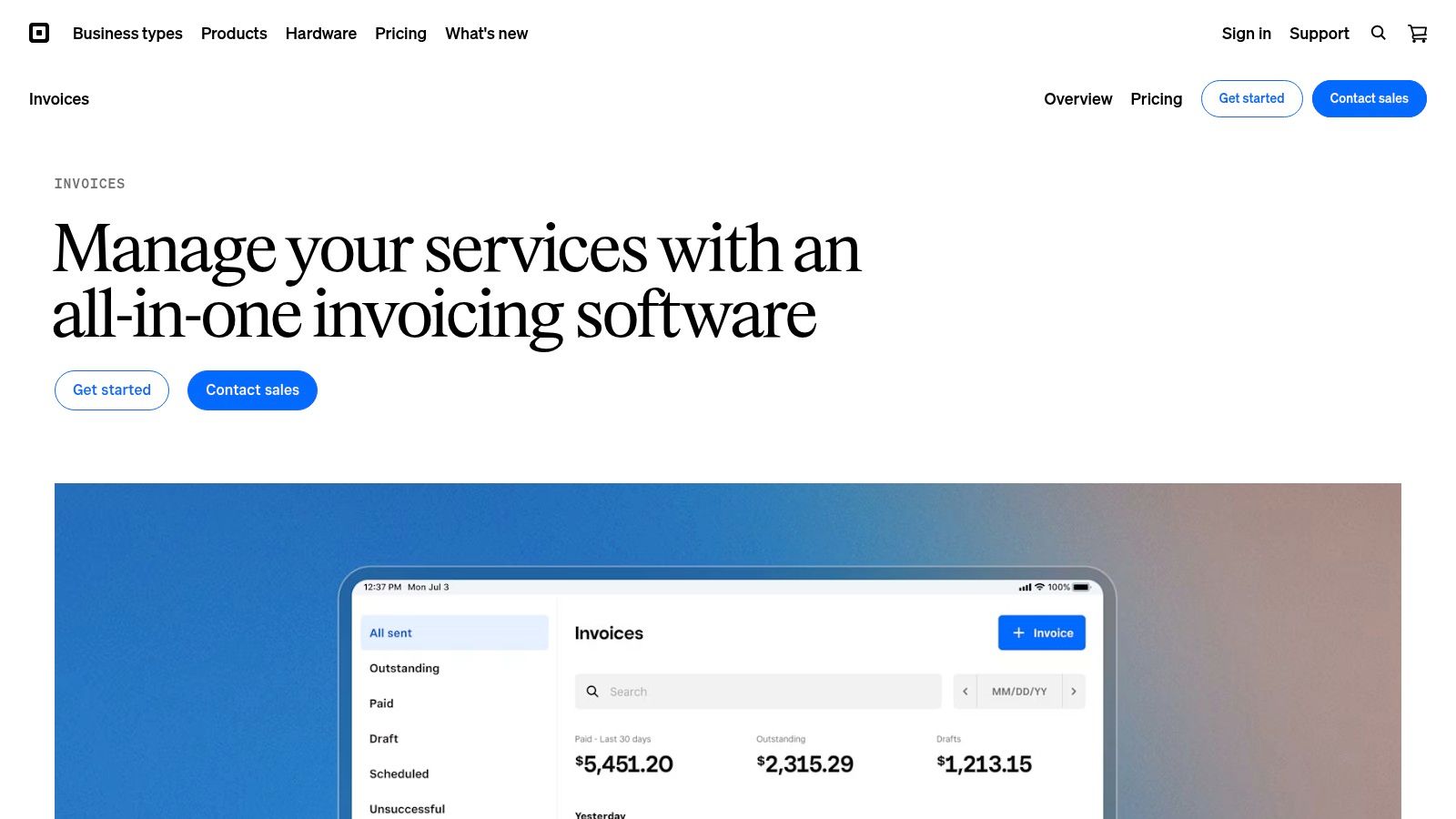 Square Invoices is what I recommend when payment collection is the bottleneck, not invoice creation. If clients drag their feet less when payment options are obvious and friction is low, Square usually performs well because payment is the center of the experience.
You get unlimited invoices, recurring billing, payment schedules, deposits, milestone payments, contracts, reusable templates, and e-signature support. That’s particularly useful for freelancers and studios that split work into phases or want approval and payment in the same pipeline.
Square Invoices is what I recommend when payment collection is the bottleneck, not invoice creation. If clients drag their feet less when payment options are obvious and friction is low, Square usually performs well because payment is the center of the experience.
You get unlimited invoices, recurring billing, payment schedules, deposits, milestone payments, contracts, reusable templates, and e-signature support. That’s particularly useful for freelancers and studios that split work into phases or want approval and payment in the same pipeline.
Best for payment-first businesses
Square Invoices works well for businesses already using Square, but even outside that ecosystem it has a clear advantage. Clients usually know how to pay through Square without confusion. Its best use cases include:
- Milestone billing: Helpful for design, development, event, and project-based work.
- Contract plus invoice flow: Strong when you want approval and billing linked together.
- Multiple payment methods: Cards, ACH, and other options reduce excuses for delayed payment. The trade-off is that Square isn’t pretending to be deep accounting software. If you need books, tax workflows, and accountant-ready reporting all inside one system, you still need something else.
Square is strongest when getting paid quickly matters more than managing every back-office detail in the same app.
That makes it a smart front-end billing tool. It just isn’t the whole stack.
10. Stripe Invoicing
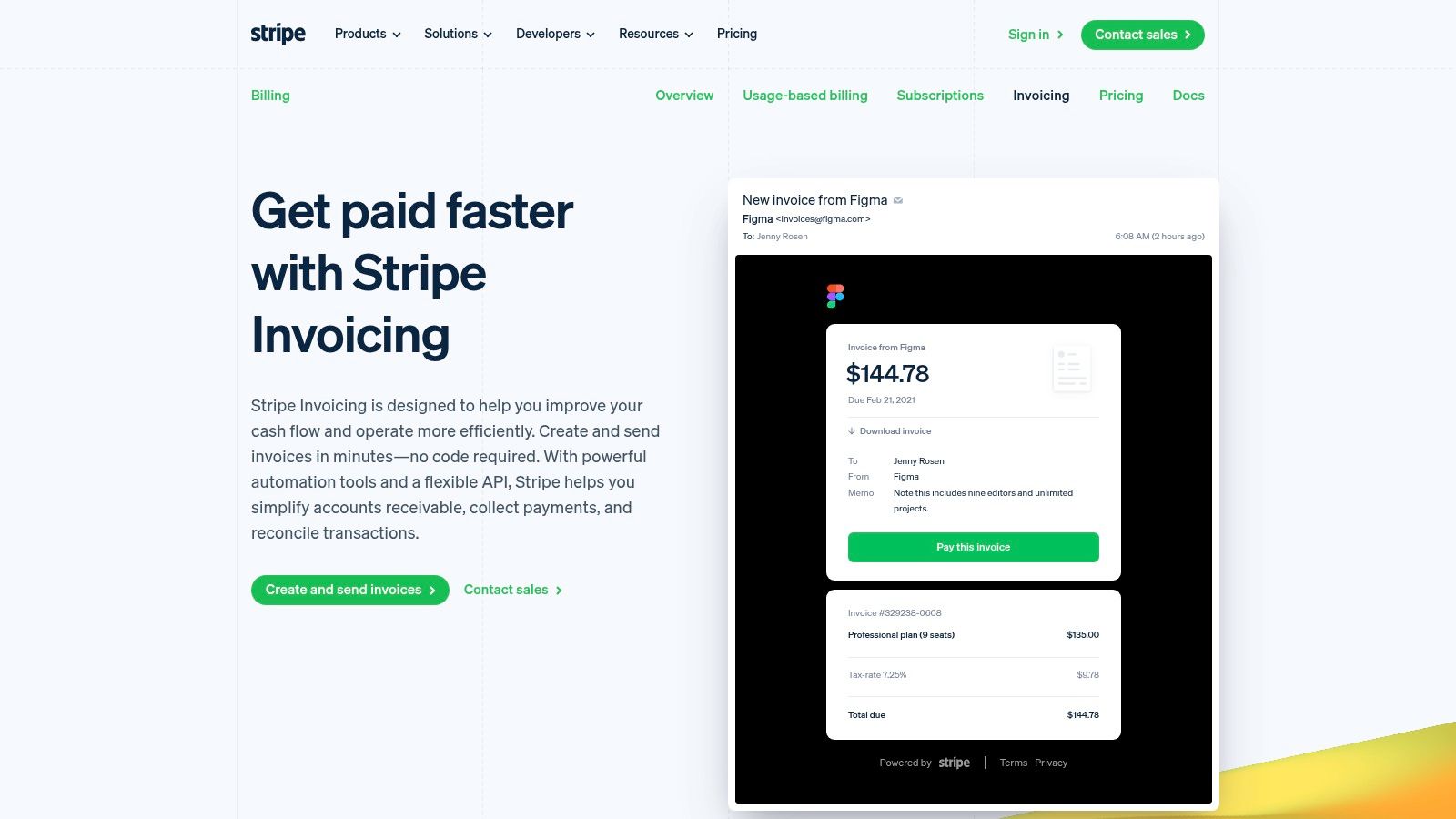 Stripe Invoicing makes the most sense if payments are already running through Stripe or you need broad international payment support. It isn’t a traditional invoicing app in the desktop-software sense. It’s an invoicing layer built on a payments infrastructure.
That distinction matters. Stripe is excellent at hosted invoice pages, reminders, customer portals, tax handling options, and connecting invoicing into existing workflows through APIs or no-code tools. If your business already lives in Stripe, turning on invoicing is often more efficient than adopting a separate invoice platform.
Stripe Invoicing makes the most sense if payments are already running through Stripe or you need broad international payment support. It isn’t a traditional invoicing app in the desktop-software sense. It’s an invoicing layer built on a payments infrastructure.
That distinction matters. Stripe is excellent at hosted invoice pages, reminders, customer portals, tax handling options, and connecting invoicing into existing workflows through APIs or no-code tools. If your business already lives in Stripe, turning on invoicing is often more efficient than adopting a separate invoice platform.
Who should choose Stripe Invoicing
This is the best fit for internet-native businesses, developers, agencies with custom workflows, and companies serving clients in multiple regions. Stripe’s advantage isn’t just billing. It’s flexibility around how billing plugs into everything else. Reasons it stands out:
- Global payment support: Strong choice for businesses billing clients across borders.
- Developer-friendly setup: Easy to integrate into custom systems if needed.
- Clean hosted payment experience: Clients can pay through branded invoice pages without friction. The drawback is that Stripe Invoicing is not your accounting system. It also adds fee considerations when you use invoicing features on top of payment processing, so you need to review the economics carefully for your business model. For many Mac users, Stripe is best as part of a stack. It handles payment and invoice delivery well, then another tool handles bookkeeping, reporting, or local time capture.
Top 10 Mac Invoice Software Comparison
A comparison table only helps if it reflects how Mac users typically buy software. The first split I look at is simple: do you want a macOS-native app that feels fast, works well offline, and stores more of your work locally, or do you want a cloud-based tool that trades some Mac integration for easier collaboration, accountant access, and browser-based convenience? That distinction changes the right answer more than any feature checklist.
| Product | Core features | UX / Quality (★) | Price / Value (💰) | Target audience (👥) | Unique selling points (✨) |
| GrandTotal | macOS-native invoicing, templates, recurring invoices, local storage | ★★★★ | 💰 Paid (EUR pricing), tiered plans | 👥 Freelancers & small firms preferring offline workflows | ✨ Offline-first, deep template/custom numbering |
| Moon Invoice | Cross-platform Mac app, invoices, estimates, time tracking, Moon Sync | ★★★☆ | 💰 Affordable entry, 7-day trial | 👥 Freelancers wanting lightweight invoicing + payments | ✨ Many payment gateways, polished PDF templates |
| FreshBooks | Cloud invoicing, recurring, deposits/retainers, client portal | ★★★★ | 💰 Subscription tiers (client limits) | 👥 US freelancers & agencies | ✨ Strong client portal & payment workflows |
| QuickBooks Online | Progress invoicing, bookkeeping, integrated payments, accountant tools | ★★★★ | 💰 Subscription (can be costly at higher tiers) | 👥 Small businesses & accountants | ✨ End-to-end bookkeeping + accountant ecosystem |
| Zoho Invoice | Estimates, recurring billing, time tracking, client portal | ★★★★ | 💰 Free (no base fee) | 👥 Small businesses/freelancers needing invoicing only | ✨ Free plan, useful automation and solid templates |
| Wave | Unlimited invoices/estimates, branded templates, card/ACH processing | ★★★☆ | 💰 Free core; paid payment processing & Pro features | 👥 US/Canada freelancers & sole proprietors | ✨ Low cost of entry, clear payment fees |
| Square Invoices | Recurring billing, payment schedules, contracts & e-signature, POS integration | ★★★★ | 💰 Processing fees per transaction | 👥 Merchants already in Square ecosystem | ✨ Contracts, e-sign, and close POS/commerce tie-in |
| Stripe Invoicing | Hosted invoices, PDF generation, reminders, global payment support, API | ★★★★ | 💰 Per-invoice + payment processing fees | 👥 Developer teams & global businesses | ✨ Developer-friendly API, strong payments infrastructure |
| Harvest | Native Mac time tracking, convert time/expenses to invoices, integrations | ★★★★ | 💰 Per-seat pricing; free/solo options | 👥 Hourly-billing freelancers & small teams | ✨ Smooth time-to-invoice workflow, team reporting |
| **Chronoid 🏆** | Automatic app/site/doc tracking, on-device AI chat, charts, focus tools, local storage | ★★★★★ | 💰 One-time licence from \$59 (Lifetime \$149 for 3 Macs) + free 7-day trial | 👥 Freelancers, creatives, developers, remote workers | ✨ Privacy-first local AI, low-friction tracking, built-in blocker & Pomodoro |
If you want the shortest practical version, GrandTotal is the cleanest pick for Mac users who care about native design and offline control. FreshBooks is easier for service businesses that want invoicing plus client-facing polish. QuickBooks Online makes sense when bookkeeping depth matters as much as invoicing. Chronoid stands out if accurate time capture is the weak link before the invoice is even created. Pick based on workflow, not feature volume. A lighter native app often beats a larger cloud suite if your business is simple. A cloud tool usually wins once you need shared access, bookkeeping, or tighter payment operations.
Beyond Invoicing and Migration Strategy
Choosing invoice software is only half the decision. The bigger question is how it fits into the way you already work on a Mac. If you bill flat-rate projects, the answer may be simple: create an estimate, convert it into an invoice, send reminders automatically, and collect payment. If you bill by the hour, the weak point is usually earlier in the chain. That’s where the category still has a blind spot. Many Mac billing tools are good at the output side. They format invoices nicely, send reminders, support recurring billing, and offer payment links. The harder part is reconstructing real work from a week spent in Figma, Chrome, Slack, Xcode, Final Cut Pro, or a dozen client documents. That gap matters because hours missed before invoice creation never make it onto the bill. A dedicated tracker solves that better than most built-in timers. ZipBooks claims online invoicing can accelerate payment by 17.5 days on average and says users spend 15% less time on mundane bookkeeping tasks, according to ZipBooks’ Mac invoice software page. Those gains are meaningful, but they only matter if the invoice reflects the work accurately in the first place. For hourly billing, I prefer a separation-of-concerns setup: one tool captures time cleanly, another handles invoicing and payment collection. That model is especially strong on a Mac. Use a native tracker like Chronoid to record what happened across apps, websites, and documents. Then export billing-ready totals and send the final invoice from GrandTotal, FreshBooks, QuickBooks Online, Stripe, or whichever system matches your payment and accounting needs. You get more accurate billing records and a better final client experience. There is also a broader market reason this approach makes sense. The billing and invoicing software market is projected to grow from USD 6.57 billion in 2026 to USD 20.04 billion by 2035 at a 15.23% CAGR, with North America holding roughly 36 to 40 percent share and Europe plus Asia-Pacific together accounting for about 50 to 55 percent, according to Business Research Insights’ billing software market report. In plain terms, Mac users aren’t buying isolated invoice apps anymore. They’re working inside connected billing stacks, so workflow integration matters more than template gloss. A few migration habits make switching much less painful:
- Start with one billing cycle: Run a couple of invoices through the new tool before moving everything.
- Export your old data early: Client lists, invoice history, and item libraries are much easier to clean before the switch.
- Set a hard cut-off date: Finish one month in the old system, start the next in the new one.
- Warn clients about payment changes: A short note about a new portal or payment link avoids confusion. The best invoice software mac choice depends on what problem you’re solving. If you want native feel and offline control, GrandTotal is hard to beat. If you want free cloud invoicing, Zoho Invoice is an easy pick. If you want full accounting, QuickBooks Online is the heavyweight. If you want the most reliable record of billable work before the invoice exists, add Chronoid to the workflow and stop relying on memory. If you bill by the hour on a Mac, Chronoid can make every invoicing tool on this list more accurate. It automatically tracks apps, websites, and documents, helps you spot missed billable time, and gives you clean reports you can use for weekly, bi-weekly, or monthly billing. Try the free trial and see whether a local-first, macOS-native time tracker fits your workflow better than manual timers and end-of-week guesswork.