
Stop Chasing Payments. Start Using the Right Tools.
You finished the work, sent the files, and got the “looks great” email. Then the annoying part starts. You still have to turn your work into an invoice, send it in the right format, remember the due date, and follow up when the client goes quiet.
That admin work adds up fast. It also gets messy when you bill by the hour, especially if you’re rebuilding your timesheet from memory. That’s where good freelance invoicing software helps. It doesn’t just make invoices look cleaner. It gives you a repeatable system for tracking hours, sending bills, collecting payment, and following up without babysitting every invoice.
Need one invoice right now? Use the free invoice generator to create and download a PDF invoice in your browser, no signup. Then come back when you want a full system.
As businesses digitize finance workflows, billing and invoicing software continues to expand. One market forecast values the category at USD 6.57 billion in 2026, projected to reach USD 20.04 billion by 2035 at a 15.23% CAGR. Another notes that cloud deployment held 58.4% of market revenue share in 2025, which tracks with what freelancers already know. Browser-based invoicing is now the default.
If you’re still using Word docs, PDF templates, or a spreadsheet plus calendar reminders, you’re making billing harder than it needs to be. If overdue invoices are a recurring problem, it also helps to manage late payments effectively.
The bigger miss in most tool roundups is the workflow before the invoice. Accurate invoicing starts with accurate time capture. For hourly freelancers, that often means pairing invoicing software with automatic tracking so billable time flows into the invoice instead of being guessed after the fact.
1. FreshBooks
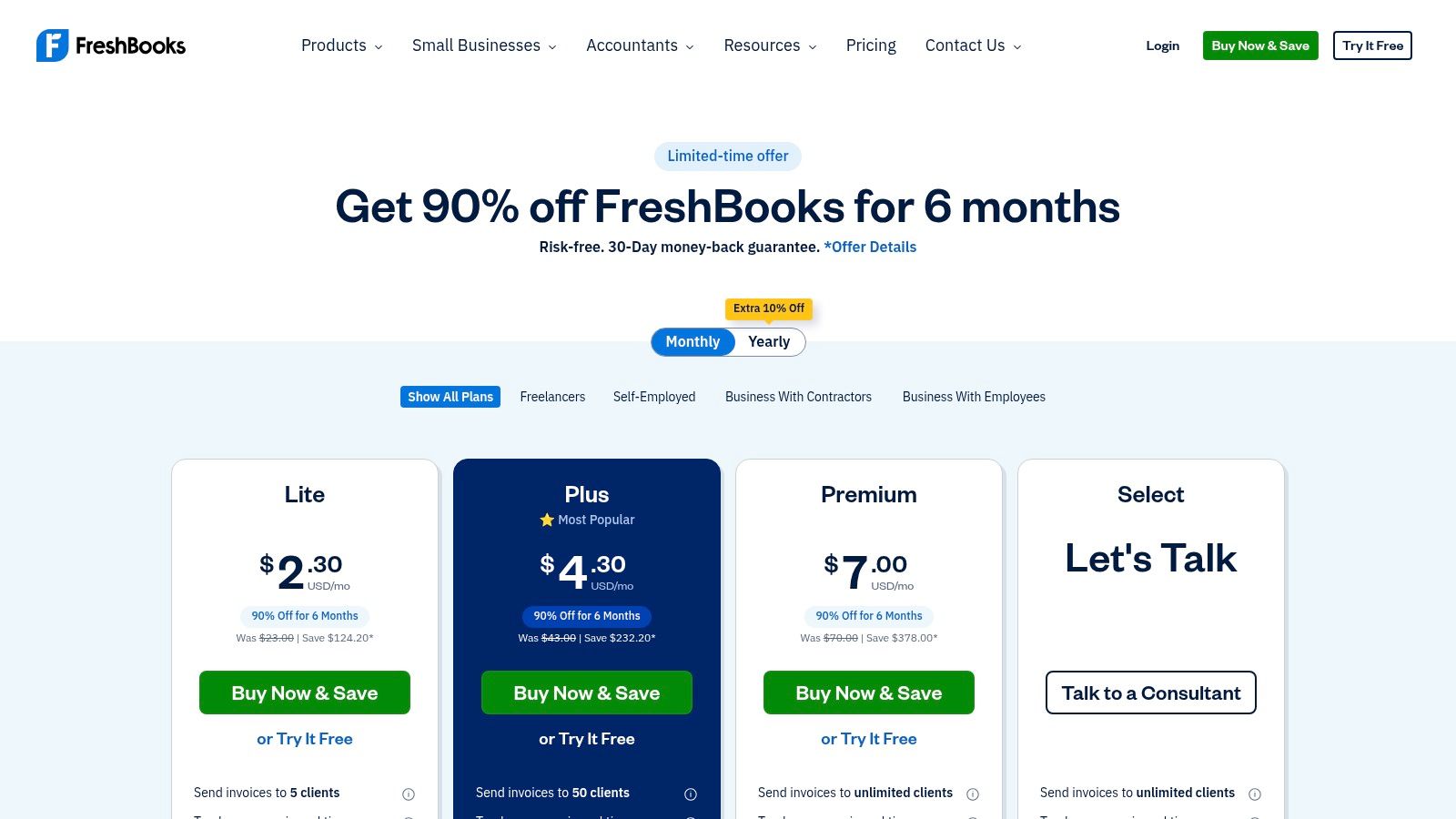
FreshBooks is the tool I point freelancers to when they want invoicing to feel simple from day one. It was built for service businesses, and that shows in the basics. Creating invoices, turning tracked time into line items, collecting deposits, and setting recurring bills all feel straightforward.
It also suits the common freelance growth path. You start with a few clients, then retainers, then maybe project estimates and a client portal. FreshBooks handles that progression better than most pure invoicing tools, and it does it without dropping you into an accounting interface that feels like tax software.
Where FreshBooks works best
The biggest strength here is usability. If you bill by the hour, you can track time in the platform itself, then move those hours into an invoice without a copy-paste ritual. If you’re on a Mac and want a workflow built around that environment, this guide to invoice software for Mac is a useful complement.
A few practical wins stand out:
- Custom invoices: Paid plans support unlimited customized invoices, which matters once you stop sending the same generic layout to every client.
- Reminder automation: Automatic reminders and late fees save you from writing the same “just following up” message every week.
- Project setup: Estimates, proposals, retainers, and deposits help when your billing starts before the work starts.
Practical rule: FreshBooks is strongest when invoicing is part of a broader client workflow, not just a one-off payment request.
The trade-off is cost creep. If all you need is basic invoicing, FreshBooks can feel expensive compared with lighter tools. Promotions also change often, so don’t judge it by a discounted first month. Judge it by whether you’ll still want it after the promo ends.
2. QuickBooks Online
QuickBooks Online isn’t the nicest invoicing tool on this list. It is, however, one of the safest picks if you want invoicing plus real bookkeeping in one place. For many US freelancers, the deciding factor is simple. Their accountant already works in QuickBooks.
That compatibility matters more than people expect. Clean invoices are nice. Clean books at tax time are better.
Best for freelancers who want accounting with the invoice
QBO handles invoices, estimates, sales tax, reporting, and bank feeds in one system. If you want your invoicing software to double as your financial home base, it’s a strong choice. It’s also useful when your freelance practice starts to look more like a small business with contractors, multiple services, and monthly reporting needs.
The ecosystem is another advantage. QBO connects with a long list of apps and accounting workflows, and different plans support different user counts. That makes it easier to grow into than many freelancer-first tools.
What you should know before choosing it:
- Accountant familiarity: Many accountants already know how to work inside QuickBooks, which reduces cleanup later.
- Tax workflows: It fits standard US small-business reporting and contractor workflows well.
- Less elegant invoicing: The invoicing experience is solid, but it isn’t as polished or pleasant as FreshBooks or Bonsai.
The downside is obvious. If you only need to send invoices and get paid, QuickBooks Online can feel like buying a van because you occasionally carry groceries. Use it when bookkeeping is part of the job, not when invoicing is the only problem you need to solve.
3. Zoho Invoice
Zoho Invoice has one big advantage that immediately gets attention. The software itself is free, not a short trial pretending to be free. For freelancers who don’t want another monthly subscription, that’s a real differentiator.
The surprising part is that it still feels like a proper tool. You get recurring invoices, reminders, templates, tax handling, multi-currency support, and a client portal. That combination makes it one of the best values in freelance invoicing software.
Who should pick Zoho Invoice
Choose Zoho Invoice if your main goal is keeping software costs low without falling back to clunky templates. It’s especially useful for freelancers who work with international clients or need tax and currency flexibility that basic invoice generators don’t handle well.
That broader need is becoming more common. One market forecast projects the global billing and invoicing software market will grow from $6.11 billion in 2026 to $15.7 billion by 2034, with freelance growth tied to demand for multi-currency support, reminders, client portals, and integrations. Zoho Invoice fits that profile well.
A few trade-offs matter:
- Excellent for invoicing: For straightforward freelance billing, it covers a lot without charging a software subscription.
- Part of a larger ecosystem: If you later need more advanced billing or accounting, Zoho has adjacent products.
- Processor fees still exist: Free software doesn’t mean free payment acceptance. Your gateway still takes its cut.
Zoho Invoice makes the strongest case for “you don’t need expensive software to invoice professionally.”
Where it gets weaker is complexity creep. Once your needs move beyond invoicing into heavier accounting or subscription billing, you may find yourself evaluating other Zoho products. That’s fine if you like the ecosystem, but it’s still another decision.
4. Wave Invoicing
Wave is the budget-conscious freelancer’s usual starting point, and for good reason. It gives you a simple way to send invoices, accept payments, and keep basic business records without much setup. If your current system is “I made a PDF in Canva and hoped for the best,” Wave will feel like a major upgrade.
The product is best when your needs are ordinary. A few clients, standard invoices, simple payment collection, no complicated billing rules.
The real trade-off with Wave
Wave works well when you want straightforward invoicing with optional accounting features in the same environment. It’s easy to learn, and the barrier to entry is low. That’s useful when you’re still validating your freelance business and don’t want another monthly tool dragging on your cash flow.
But Wave has shifted some automation behind higher tiers over time. Reminders, branding controls, bank imports, and collaborator access may sit behind plan boundaries that weren’t there before. Check the current plan page carefully before you switch your whole workflow over.
A practical summary:
- Easy start: Custom invoices and estimates are simple to create.
- Good for lean operations: It suits solo freelancers who don’t need deep automations yet.
- Less future-proof: Once you want richer workflows, you’ll start seeing the limits.
Wave also fits the US market well because billing automation demand keeps climbing. A market outlook for the United States projects online invoice software growing at a 12.8% CAGR from 2026 to 2033, with the market reaching approximately $4 billion by 2028. That trend reflects what freelancers are already doing. Moving away from manual invoicing isn’t optional once work volume increases.
5. Square Invoices
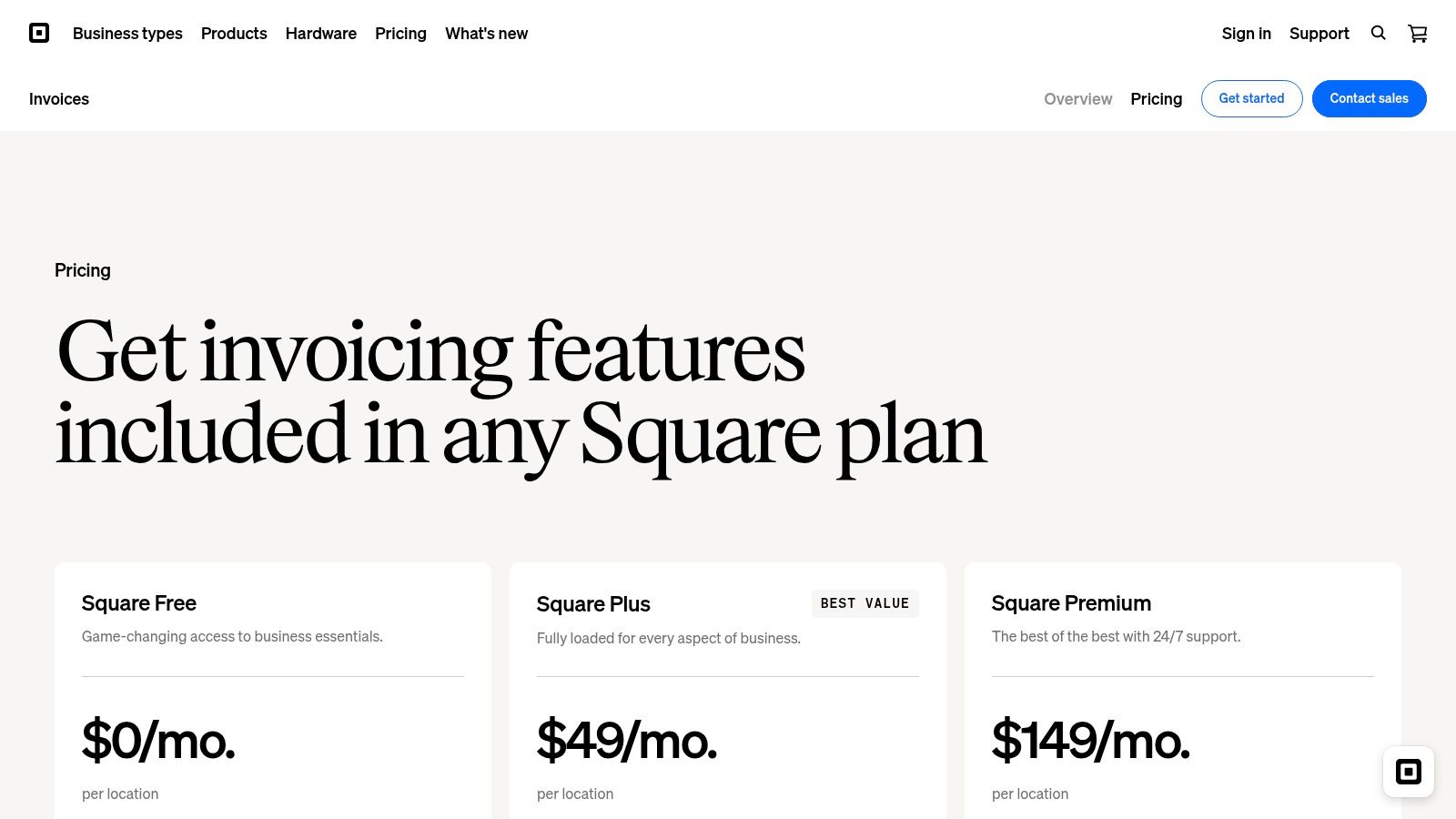
Square Invoices is less about accounting depth and more about getting paid with minimal friction. That’s why it works so well for freelancers who invoice from their phone, send quick payment links, or sometimes take payments in person.
The client experience is one of its best features. Clients usually don’t need much hand-holding to pay a Square invoice. That’s a bigger advantage than many freelancers realize.
Best when payment convenience matters most
Square handles invoices, estimates, recurring billing, card-on-file payments, and ACH options. If your work mixes online services with occasional physical events, workshops, or on-site sessions, having everything tied into Square’s payment ecosystem is convenient.
Its mobile experience is also strong. You can create and send invoices quickly without feeling like you’re using a shrunken desktop app.
Where it shines and where it doesn’t:
- Fast payment flow: Pay-by-link is easy for clients, which removes a lot of delay.
- Good mobile support: Sending invoices from a phone or tablet feels natural.
- Plan details need checking: Fees and plan structure vary, so you need to confirm current terms before committing.
Square is a practical pick, not a romantic one. It won’t impress you with reporting depth or elegant project accounting. It wins because it reduces payment friction. For many freelancers, that’s enough.
6. Stripe Invoicing
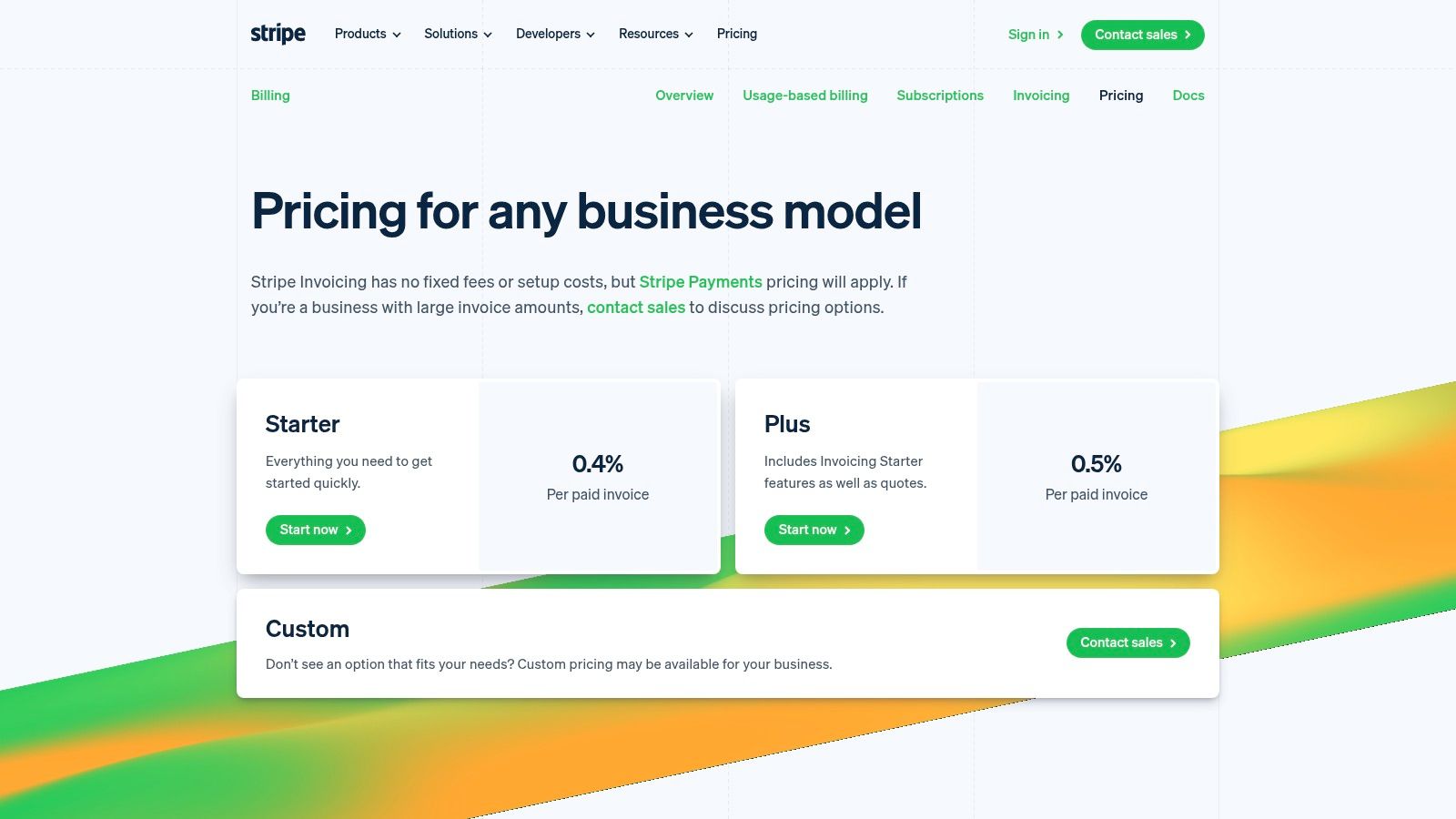
Stripe Invoicing is a strong option when payments are the hard part, not invoice design. If you already use Stripe, adding invoicing on top makes sense. If you don’t, you should only choose it if you want the automation and payment flexibility Stripe does better than simpler tools.
This is the most developer-flavored product on the list. That doesn’t mean non-technical freelancers can’t use it. It means the tool rewards people who care about workflows, automation, and integrations.
Best for automation-heavy billing
Stripe supports hosted invoice pages, PDF invoices, recurring billing, and global payment methods. If you do one-off invoices now but may add retainers, recurring service packages, or subscription-style billing later, Stripe gives you room to grow.
Its dunning and retry logic are especially useful when card failures, renewals, or recurring payments matter. That’s less relevant for a writer sending one invoice a month. It’s much more relevant for consultants, coaches, or productized-service freelancers.
A few realities to keep in mind:
- Excellent payment infrastructure: Stripe is very good at accepting money in different ways.
- Good for custom workflows: It fits businesses that automate around client actions and billing events.
- Not the cheapest simple option: There are invoice fees on top of payment processing, so read the pricing page closely.
If your payment flow already runs through Stripe, using Stripe Invoicing usually reduces tool sprawl.
If you’re a pure no-code solo freelancer who wants friendly defaults and zero setup thinking, FreshBooks or Zoho Invoice will feel easier. Stripe makes more sense when invoicing is part of a larger payment stack.
7. PayPal Invoicing
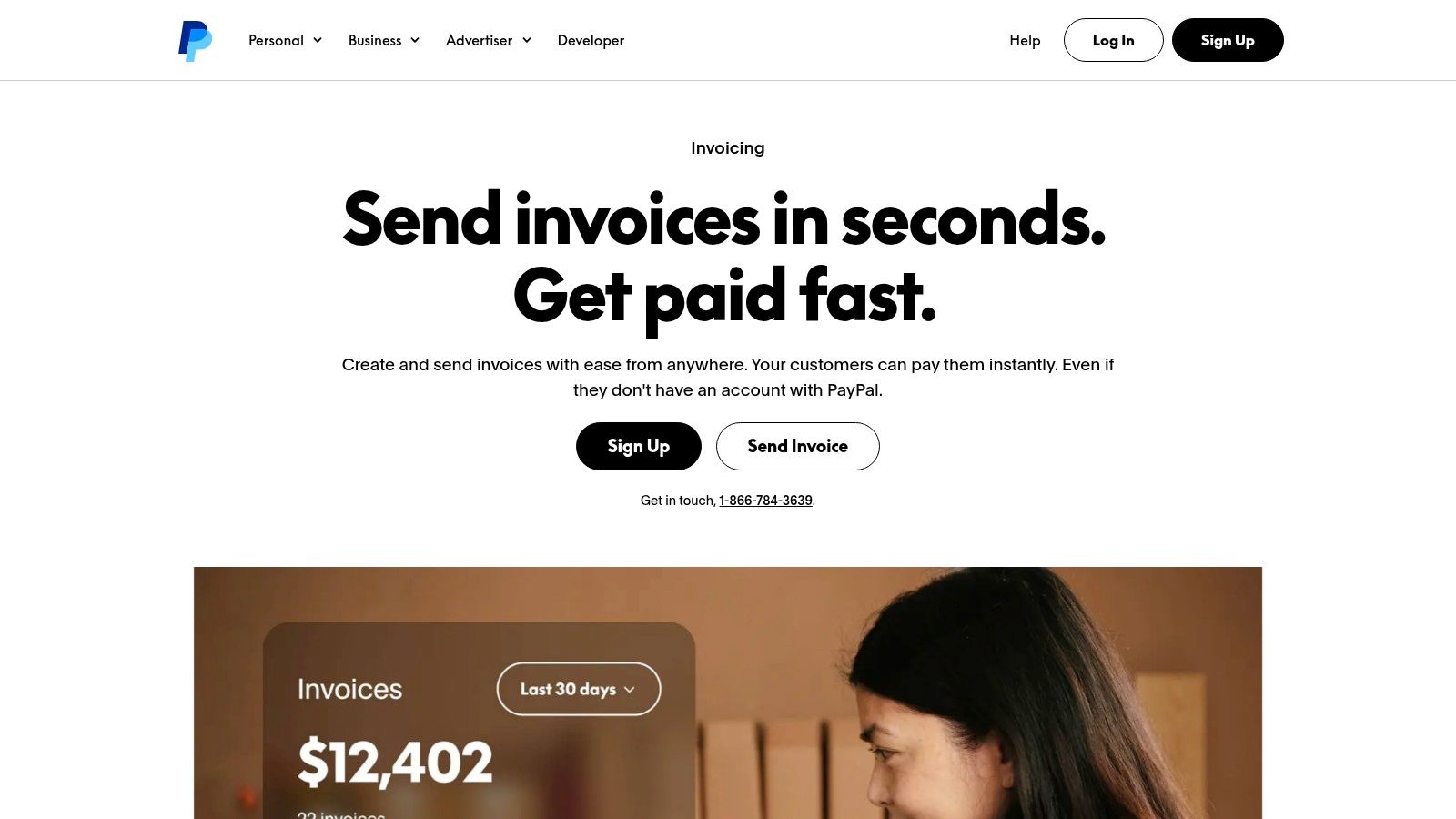
A familiar payment button still solves a real freelance problem. You finish a project, send the invoice, and the client pays the same day because they already trust PayPal and do not need to create another account.
That convenience is PayPal Invoicing’s main advantage. It reduces hesitation at the moment of payment, which matters more than extra invoice design controls for many solo freelancers. If you bill occasional clients, international clients, or smaller businesses that already use PayPal, it can be the fastest path from completed work to cash in your account.
When PayPal is enough
PayPal lets you create branded invoices, send reminders, accept partial payments, and invoice from mobile. There is no separate monthly invoicing subscription for basic use, so it works well for freelancers who are testing a new service, billing irregularly, or keeping overhead low.
It also fits a modern hourly workflow better than many people expect. If you track time automatically with a tool from this list of time trackers for freelancers, PayPal can serve as the final payment layer. The weak spot is that you still need to move those hours into the invoice manually, so accuracy depends on your process. That is manageable at low volume. It gets tedious once you juggle several active clients.
The trade-offs are pretty clear:
- High client recognition: PayPal often feels familiar enough that clients pay without questions.
- Low setup friction: You can send invoices quickly without adopting full accounting software.
- Limited service-business polish: The invoice flow can feel closer to checkout than to a customized consulting or agency billing experience.
I usually put PayPal in the “good enough, fast enough” category. It is a practical choice when payment convenience matters more than workflow depth. If your invoicing starts with tracked time, review the hours first, clean up the entries, then send the PayPal invoice. That extra step keeps simple billing from turning into underbilling.
8. Bonsai
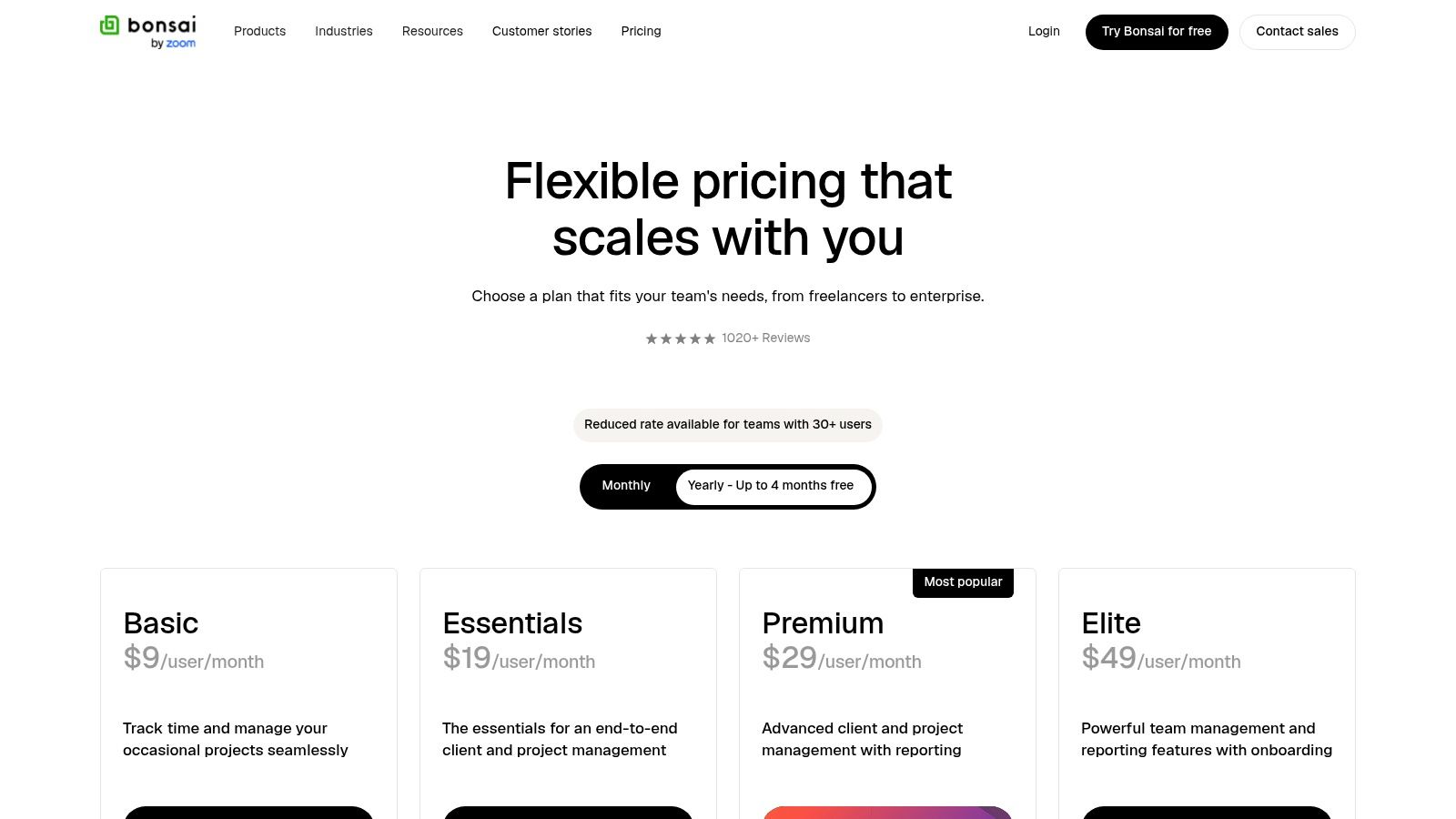
Bonsai is what I recommend to freelancers who are tired of gluing together five tools. It isn’t just for invoices. It’s for the whole client path from proposal to contract to time tracking to payment.
That makes it especially appealing to designers, developers, consultants, and other solo operators who want a cleaner client experience without building their own system.
Why Bonsai feels good in practice
Bonsai’s strength is continuity. You can send a proposal, collect an e-signature, track work, and invoice from the same platform. That reduces dropped details between sales and billing, which is where many freelancers accidentally create scope confusion or forget billable time.
If your current process involves separate docs, separate contracts, separate timers, and then a manually built invoice, Bonsai will feel much more coherent. It’s even better if you already understand the value of keeping track of work hours before billing starts.
What stands out:
- End-to-end workflow: Proposal, contract, invoice, and payment live in one place.
- Good client presentation: The experience feels polished without much effort.
- Overkill for minimalists: If you only need to send a simple invoice once in a while, this is more software than you need.
There’s another reason Bonsai’s all-in-one approach resonates. A noted gap in freelancer invoicing advice is that many new freelancers are unsure whether they need dedicated software at all or can keep sending PDFs. That confusion can delay billing, as discussed in this freelancer invoicing discussion about software versus PDFs. Bonsai makes the case for software when you need workflow, not just formatting.
9. Harvest
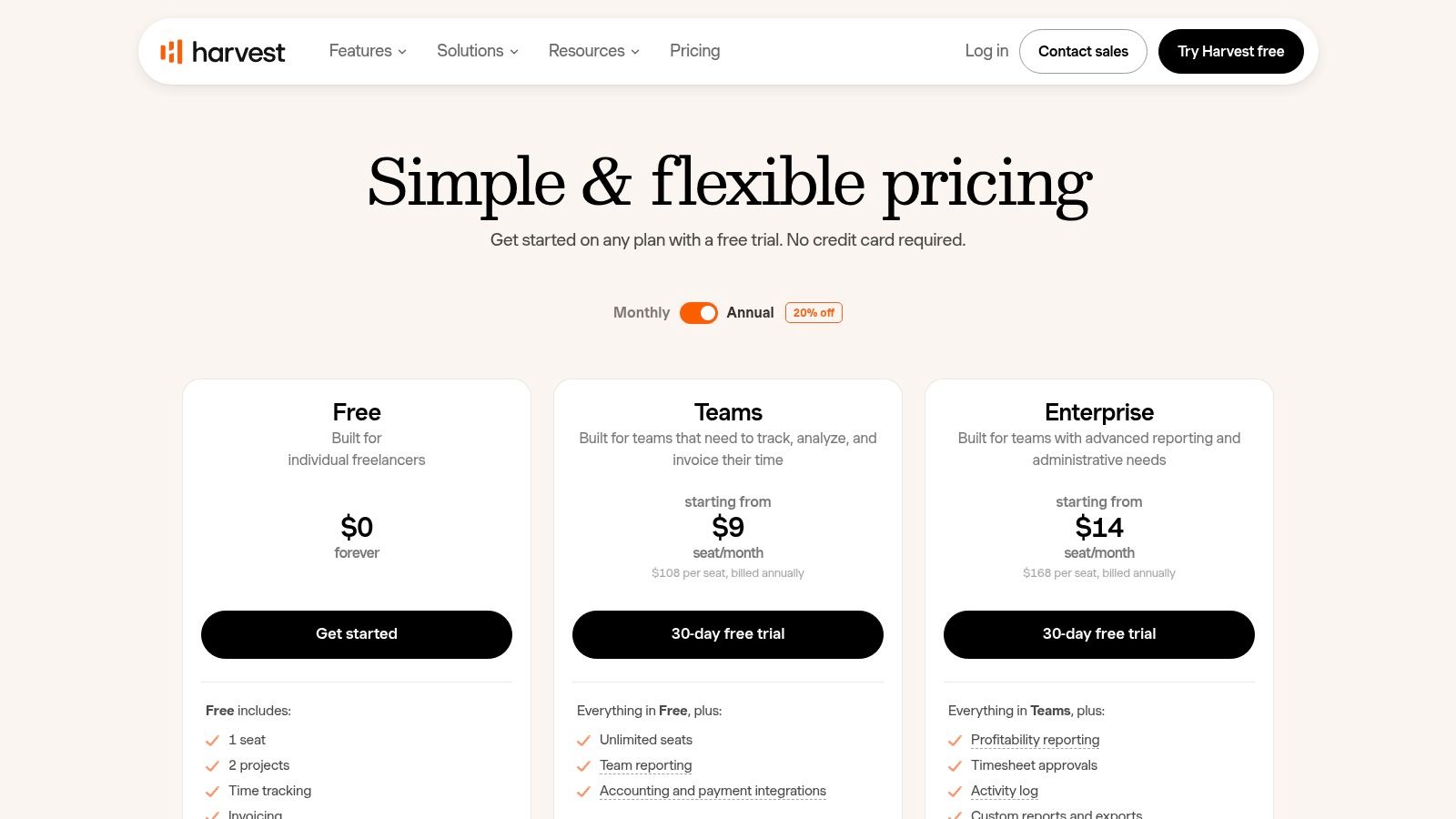
Harvest is the clearest example of the workflow most invoicing listicles underplay. Track the time accurately first, then invoice from that source. If you bill by the hour, that order matters.
Too many freelancers still do the reverse. They finish the month, estimate what they probably worked, and build an invoice from memory. That’s how underbilling happens.
The best time-to-invoice flow on this list
Harvest has been around a long time, and it still does one thing very well. It turns tracked time and expenses into invoices quickly. For hourly work, that is the core job.
It also plays nicely with other tools. You can accept payments through Stripe and PayPal, connect with accounting platforms, and export data when needed. For Mac users, it remains a sensible option. But it’s worth comparing with newer approaches to automatic tracking if manual timers are your weak point, especially when evaluating the best time tracker for freelancers.
A few practical observations:
- Great for hourly billing: If your business runs on timesheets, Harvest fits naturally.
- Good integrations: It works well as part of a larger stack.
- Less ideal for proposal-heavy workflows: It isn’t trying to be an all-in-one client management platform.
Accurate invoices usually come from captured time, not remembered time.
This is also where automatic tracking deserves more attention. If you use a tool that records app, website, and document activity as you work, then move reviewed billable time into invoicing, your invoices get more defensible. That workflow is often better than relying on a timer you have to remember to start and stop.
10. Invoice Ninja
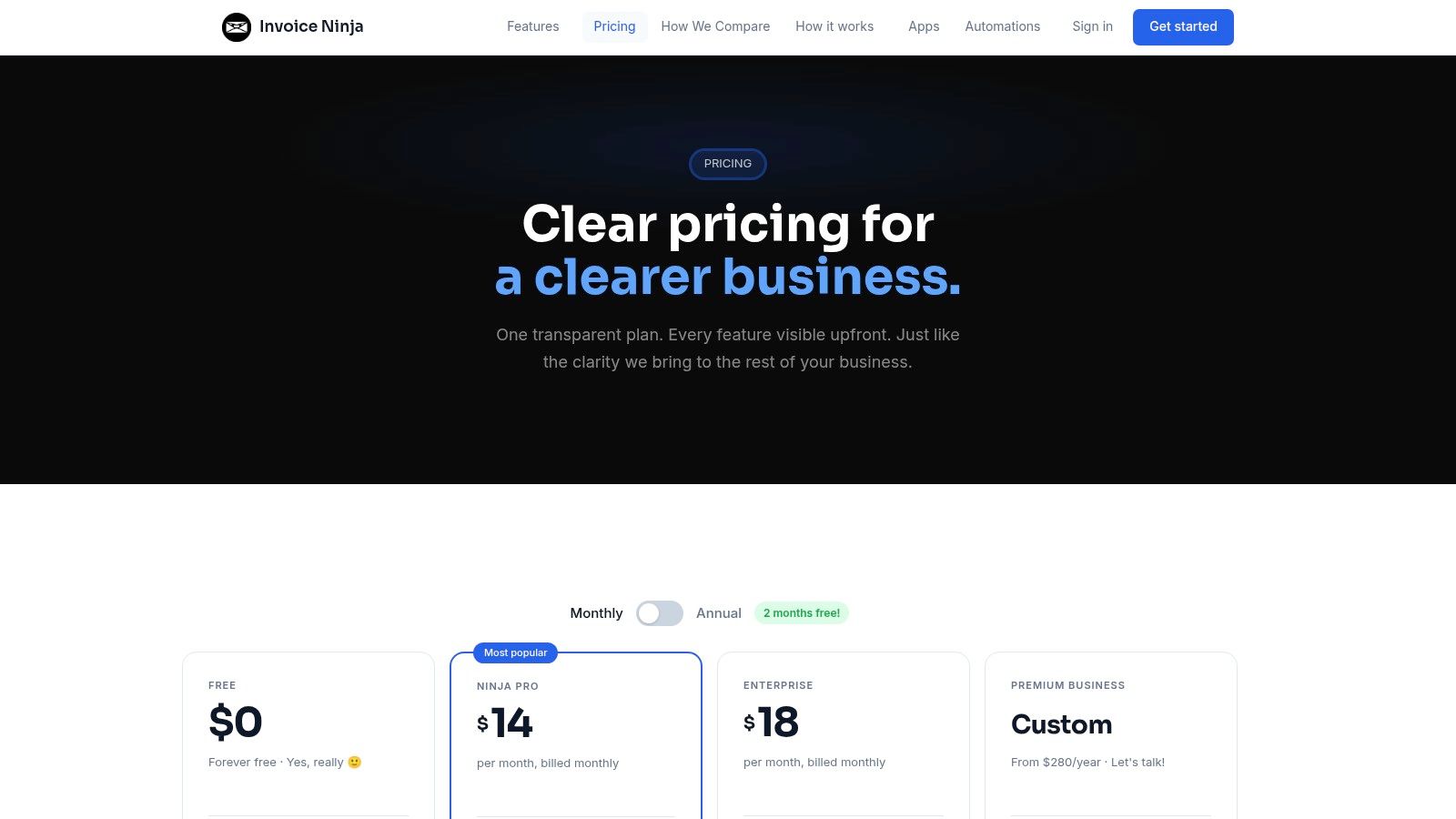
Invoice Ninja is for freelancers who care about control. Not just low cost, but actual control over hosting, privacy, gateways, and setup. Most mainstream tools optimize for convenience. Invoice Ninja gives you more room to shape the system around your preferences.
That makes it a little less polished, but also more flexible.
Best for tinkerers and privacy-minded freelancers
Invoice Ninja supports invoices, quotes, recurring billing, reminders, partial payments, a client portal, and time tracking. It also supports many payment gateways, which is useful if the default processor choices in bigger platforms don’t fit your region or preferences.
The self-hosting option is what really sets it apart. Most freelancers won’t need that. Some absolutely will. If you want to own the environment, avoid being boxed into one hosted SaaS setup, or keep tighter control over data, Invoice Ninja is worth serious consideration.
Here are the main trade-offs:
- Flexible setup: Strong gateway support and self-hosting make it adaptable.
- Useful free tier: It’s friendly to small operators getting started.
- Rougher edges: The interface isn’t as polished as FreshBooks, Bonsai, or Square.
Invoice Ninja isn’t the universal recommendation. It’s the recommendation for the freelancer who wants capability and control more than polished defaults. If that sounds like you, it’s one of the most interesting options on this list.
Top 10 Freelance Invoicing Tools Comparison
| Product | Core features ✨ | UX / Quality ★ | Pricing / Value 💰 | Best for 👥 | Standout 🏆 |
|---|---|---|---|---|---|
| FreshBooks | Invoices, estimates, retainers, time tracking, client portal | ★★★★ | 💰 Moderate (tiered + add‑ons) | 👥 Freelancers & solo operators | 🏆 Polished invoicing & client-growth tiers |
| QuickBooks Online (QBO) | Full bookkeeping, bank feeds, P&L, integrations | ★★★★ | 💰 Higher (scales with features) | 👥 SMBs & accountants | 🏆 Accountant-standard ecosystem |
| Zoho Invoice | Free plan, recurring invoices, automations, multi-currency | ★★★ | 💰 $0 software (gateway fees apply) | 👥 Cost-conscious solos | 🏆 Truly free tier for small use |
| Wave Invoicing | Custom invoices, basic payments, Wave Pro automations | ★★★ | 💰 Low-cost starter; Pro for automations | 👥 Budget freelancers | 🏆 Easy low-barrier start |
| Square Invoices | Invoices, estimates, recurring, mobile pay-by-link | ★★★★ | 💰 Free processing option; card/ACH fees | 👥 Merchants & mobile sellers | 🏆 Fast pay-by-link & mobile UX |
| Stripe Invoicing | Hosted invoices, global payments, API & automation | ★★★★ | 💰 Pay-as-you-go + per-invoice micro-fee | 👥 Devs & platform businesses | 🏆 Best for automation & scale |
| PayPal Invoicing | Branded invoices, reminders, mobile & Venmo (US) | ★★★ | 💰 No monthly; standard PayPal fees | 👥 Clients who prefer PayPal | 🏆 High checkout familiarity |
| Bonsai | Proposals, e-sign contracts, invoices, time & workflows | ★★★★ | 💰 Mid-priced suite (all-in-one value) | 👥 Creatives & solo consultants | 🏆 Seamless proposal→contract→pay flow |
| Harvest | Time & expense tracking that converts to invoices; Mac/iOS apps | ★★★★ | 💰 Seat-based for teams; limited free tier | 👥 Agencies & time-based services | 🏆 Smooth time-to-invoice flow |
| Invoice Ninja | Invoices/quotes, client portal, time tracking, self-host option | ★★★ | 💰 Generous free tier; affordable Pro/self-host | 👥 Freelancers wanting control/self-hosters | 🏆 Self-hosting & wide gateway support |
Your Invoice Is More Than a Bill. It’s Your Brand
The right freelance invoicing software does more than send a payment request. It shapes how clients experience your business after the work is done. A clear invoice, a simple payment method, and a professional follow-up flow all reinforce the same message. You’re organized, reliable, and easy to work with.
That matters because invoicing is often the last operational touchpoint in a project. If the delivery was smooth but the billing is messy, clients remember the friction. If the invoice is accurate, fast, and easy to pay, the project ends on a stronger note.
There isn’t one best tool for everyone. FreshBooks is a strong fit for freelancers who want approachable invoicing with room to grow. QuickBooks Online makes sense when bookkeeping and accountant compatibility matter. Zoho Invoice is the value pick if you want broad features without a software subscription. Wave keeps things simple for budget-conscious solo operators. Square, Stripe, and PayPal each earn their place when payment convenience is the main priority. Bonsai suits freelancers who want proposals, contracts, and invoices in one system. Harvest is still excellent for time-based billing. Invoice Ninja is the choice for people who want more control than most SaaS tools allow.
The most important decision isn’t just which invoicing tool you use. It’s whether your billing starts with accurate records. If you bill hourly, your invoicing software is only as good as the time data you feed into it. That’s why the best modern workflow usually starts with time capture, then review, then invoice generation.
For Mac-based freelancers, automatic time tracking can tighten that process substantially. Instead of trying to remember where the day went, you can review actual work activity, confirm what was billable, and turn those hours into invoices with less guesswork. Chronoid is one option in that category. It tracks activity on your Mac automatically and includes invoicing, which makes it relevant if your current weak point is turning real work into accurate bills.
The bigger point is simple. Pick a system you will use every week. Fancy features don’t matter if your invoices still go out late. A lean setup that tracks time accurately, sends invoices consistently, and nudges clients automatically will beat a bloated platform you avoid opening.
Your invoice is part of your client experience. It’s also part of your brand, the same way your proposals, emails, and delivery process are. If you care about consistency, it’s worth thinking about visual branding in the AI era alongside the systems you use to bill.
Choose the tool that matches how you work now. Then make sure it connects cleanly to how you track time. That’s the part most freelancers miss, and it’s usually where faster, more accurate billing starts.
If you bill by the hour on a Mac, Chronoid is worth a look. It automatically tracks apps, websites, and documents, then helps turn reviewed work time into invoices without relying on manual timers or memory.