Export Time Tracking Data
Download your tracked activity from Chronoid for spreadsheets, billing, or analysis. Preview the totals, export as CSV or PDF, and pick the fields to include.
Export Overview
Use Export to download tracked activity for spreadsheets, billing, or analysis. Preview totals, pick a format, and choose which fields to include before you export.
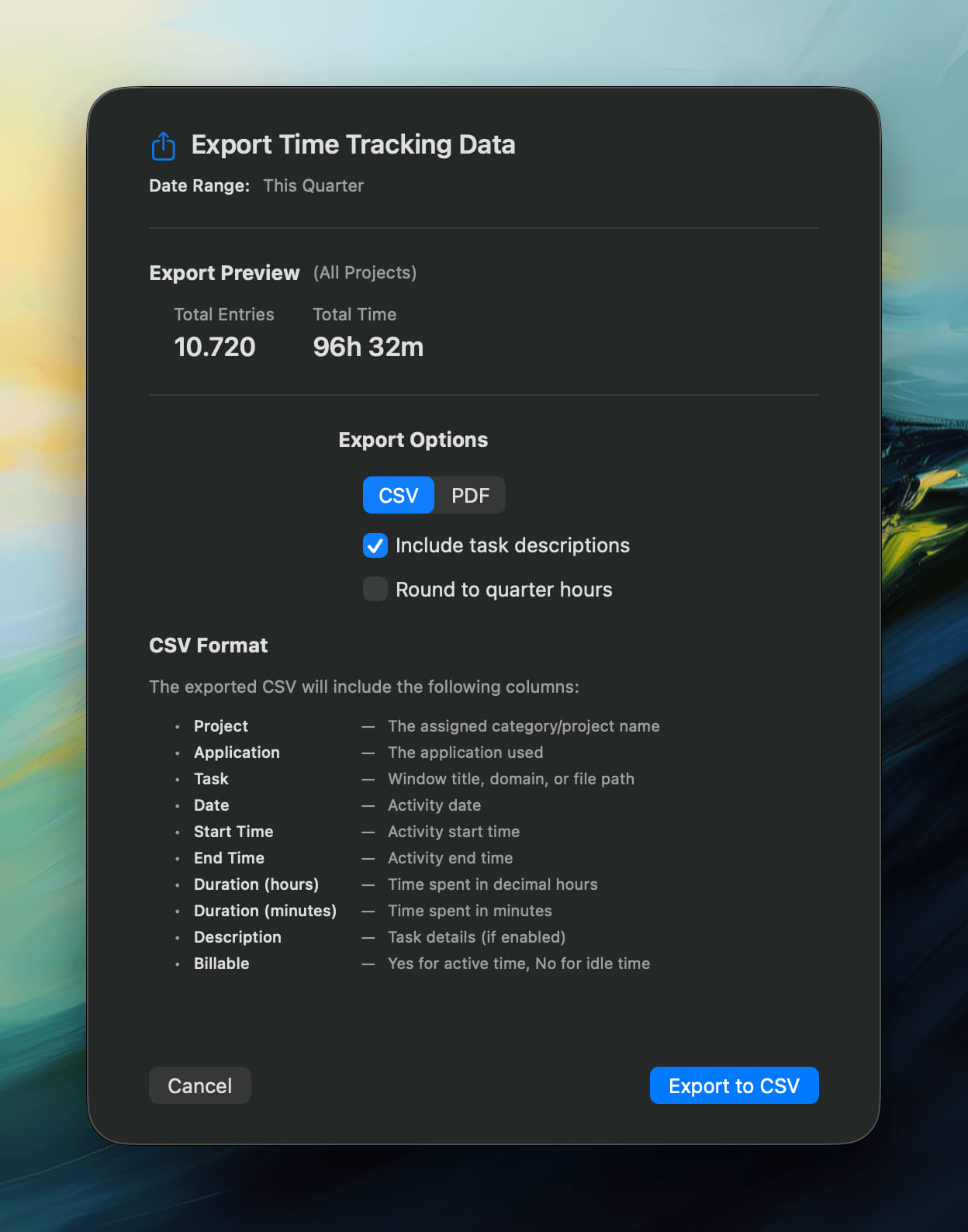
Export Preview
The preview shows:
- Total entries — number of sessions in the selected range.
- Total time — combined duration of all sessions.
- Date range — the period you selected (e.g. This Week, This Month, This Quarter).
Export Options
Select an output type:
- CSV — for spreadsheets and analytics tools.
- PDF — for a formatted report you can share or archive.
Optional settings:
- Include task descriptions — add notes or AI summaries.
- Round to quarter hours — standardize entries for billing.
Exporting
After you configure the options, select Export to CSV or Export to PDF. Chronoid generates the file immediately using your settings.
For help, email support@chronoid.app