Installation

Install Chronoid on your Mac — open the downloaded DMG and drag the app into your Applications folder before launching so macOS permissions work correctly.
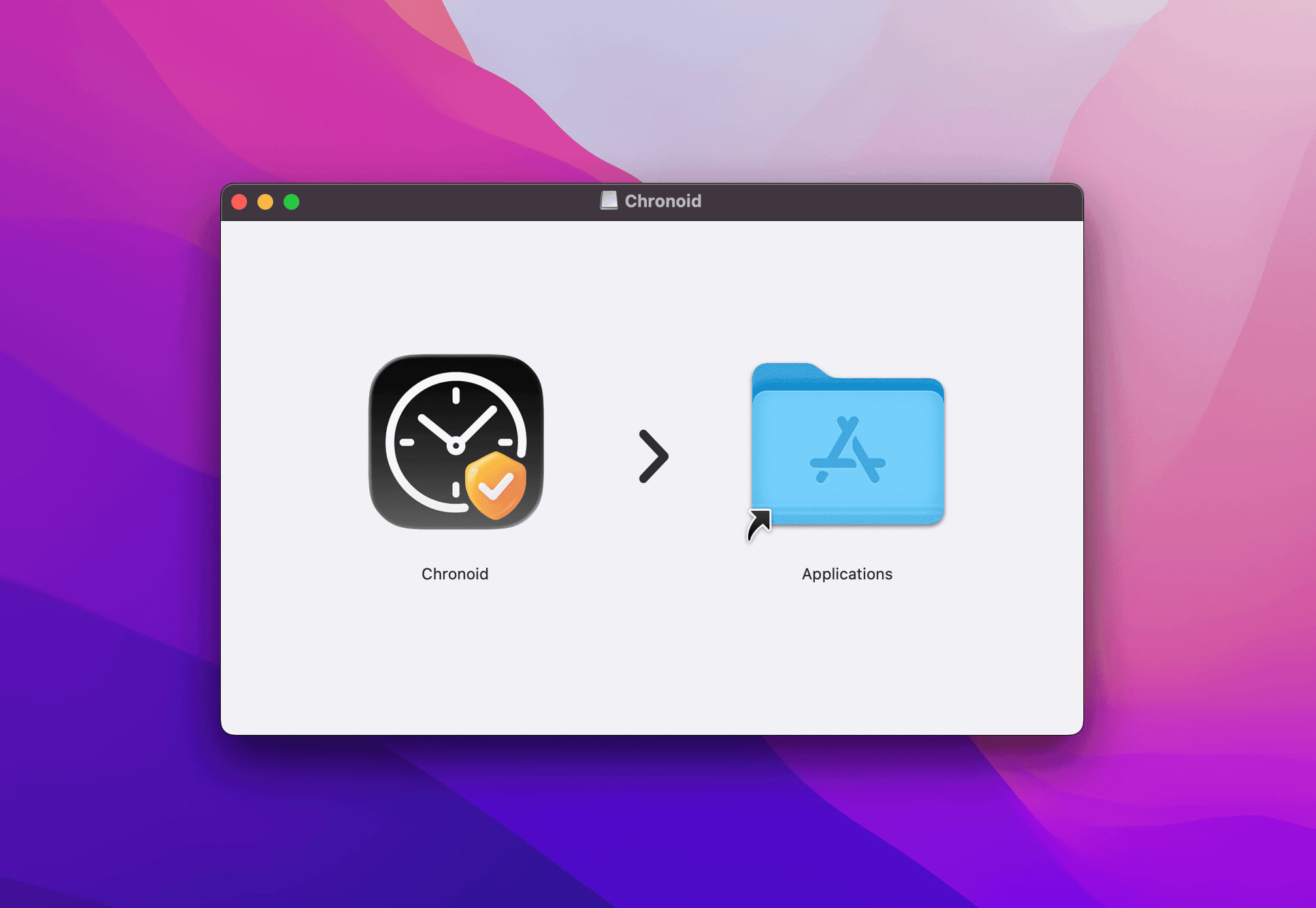
Installation chronoid

!!!important, Please drag the Chronoid app into your Applications folder before launching.

Otherwise, the app may not function properly due to macOS security and permission restrictions.

For more help, email support@chronoid.app

Previous
Getting Started

Get ready to be productive!

Your download should start automatically. If it doesn't, download it manually.

  1. Chronoid-latest.dmg macOS 14 or later

    Step 1

    Open

    Open Chronoid-latest.dmg from your Downloads folder.

  2. Step 2

    Install

    Drag Chronoid into your Applications folder.

  3. Step 3

    Launch

    Open Chronoid and start your free 7‑day trial, with every feature included.