Getting Started
Set up Chronoid in three steps — install the app, grant the macOS permissions automatic tracking needs, then create your first project and start tracking.
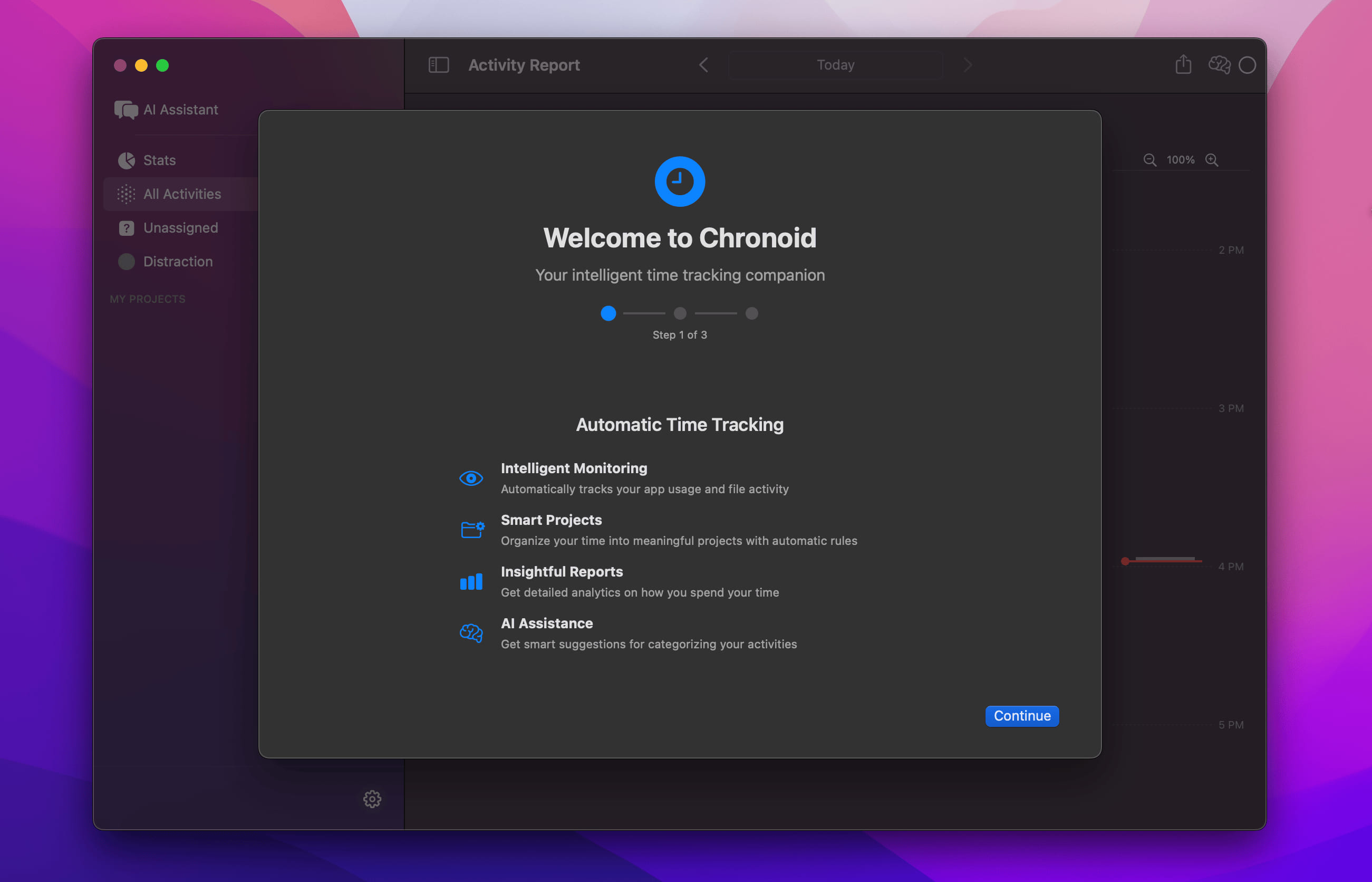
Start here to set up Chronoid and complete the first-time onboarding flow. Use the quick links above for the two setup guides you should finish first.
- Install the app from the download page.
- Open Chronoid and grant the requested permissions.
- Create your first project and begin tracking time.
For detailed installation steps, see the Installation guide.