License & Trial
Chronoid includes a dedicated License settings pane where you manage paid access and review trial-related state.
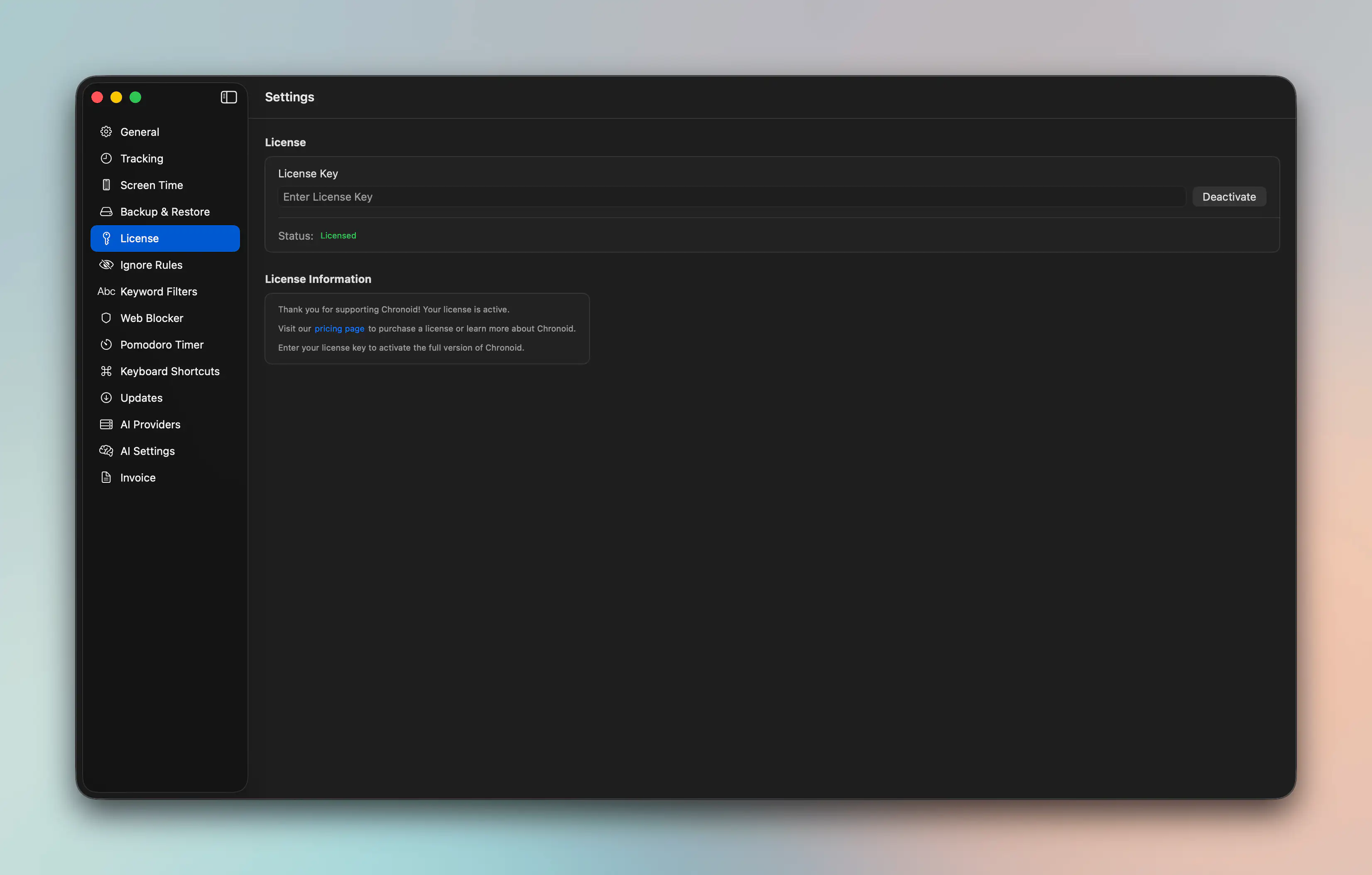
What The License Pane Is For
Use the License pane to:
- review your current access state
- activate or manage your license
- understand whether a feature requires a paid plan
- follow upgrade or trial prompts when a feature is locked
Trial And Feature Access
Some Chronoid features surface upgrade prompts if they require licensed access. For example, premium-focused flows such as Pomodoro can show an upgrade dialog instead of letting the feature run immediately.
If a feature appears locked:
- Open Settings → License.
- Confirm your current status.
- Activate your license or start a trial if that option is available.
Related Pages
For help, email support@chronoid.app