Updates
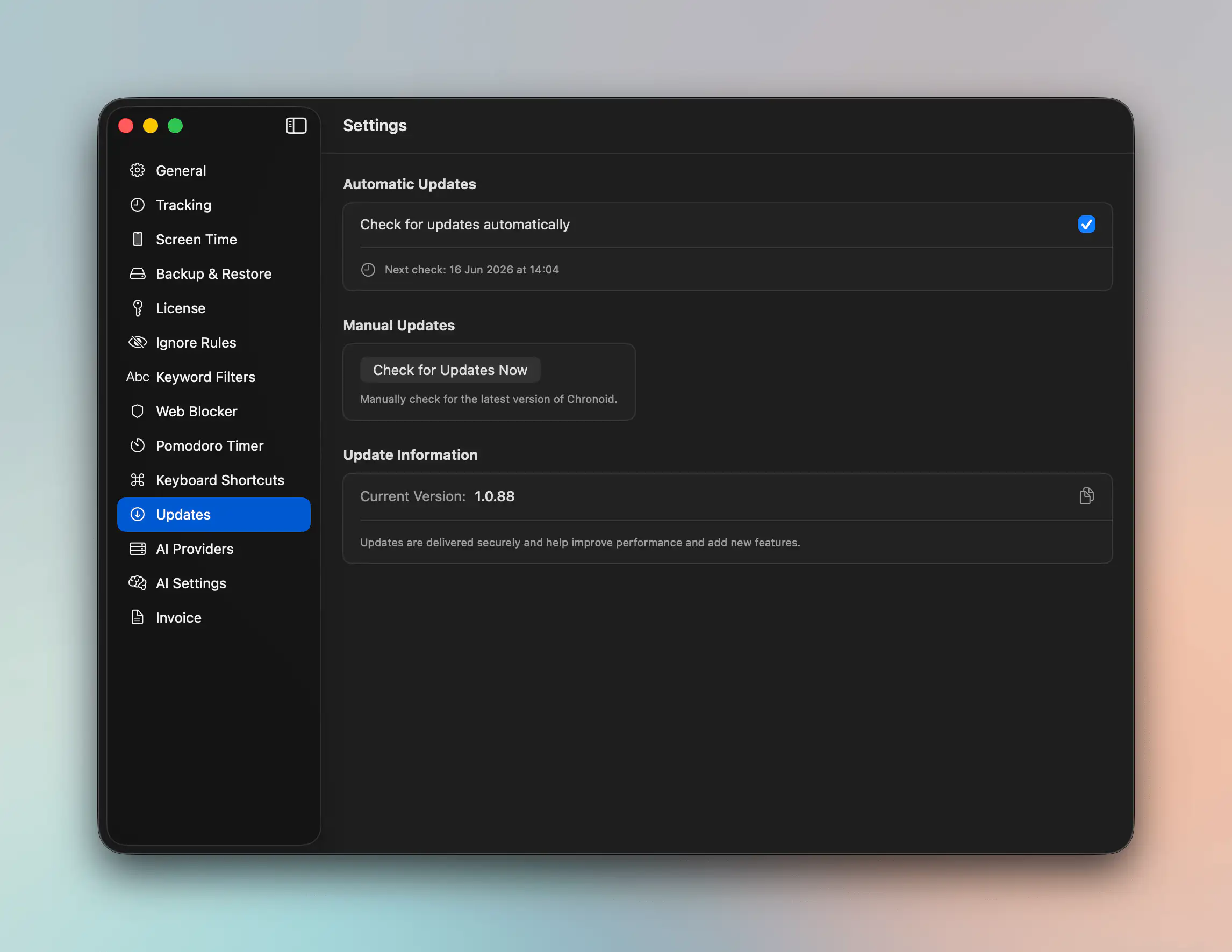
Chronoid includes an Updates pane so you can control automatic checks and manually look for a newer version.
Automatic Checks
Open Settings → Updates to turn automatic update checks on or off.
When automatic checks are enabled, Chronoid also shows the next scheduled check time in the pane.
Manual Check
Use Check for Updates Now whenever you want to verify that you are already on the latest available version.
This is useful if:
- you saw a release announcement
- support asked you to confirm your version
- you want fixes without waiting for the next automatic check
Version Information
The Updates pane also shows your current app version and lets you copy it quickly.
That is the version string support will usually ask for first when diagnosing issues.
Related Guides
For help, email support@chronoid.app